Print Capture Time and Camera Settings on Photos: An EXIF Watermark Guide
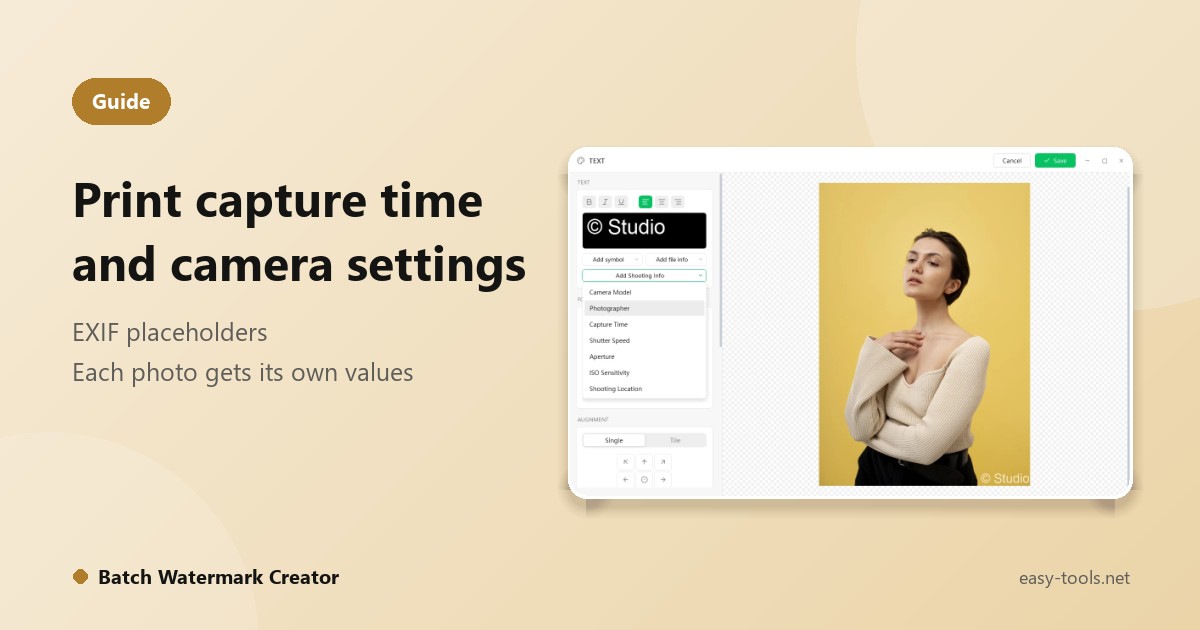
A photography portfolio that shows the camera and settings. Inspection photos that need the time they were taken. A stock library that is filed by capture date. You can type the text onto each picture, but with hundreds of photos the time, model and aperture differ every time, and typing is slow and error-prone. Shooting-info placeholders in Batch Watermark Creator solve it: set it up once and every photo fills in its own values.
What is a placeholder?
Instead of fixed text, you insert a placeholder into a text watermark. When the batch runs, the app reads each photo's EXIF data and replaces the placeholder with that photo's own value. The same setup gives 4 photos or 4,000 photos each its own shooting information.
The photo itself must carry the data. Original files from phones and cameras usually do, but images that have been through some platforms or compression tools may already have it stripped.
What you can insert
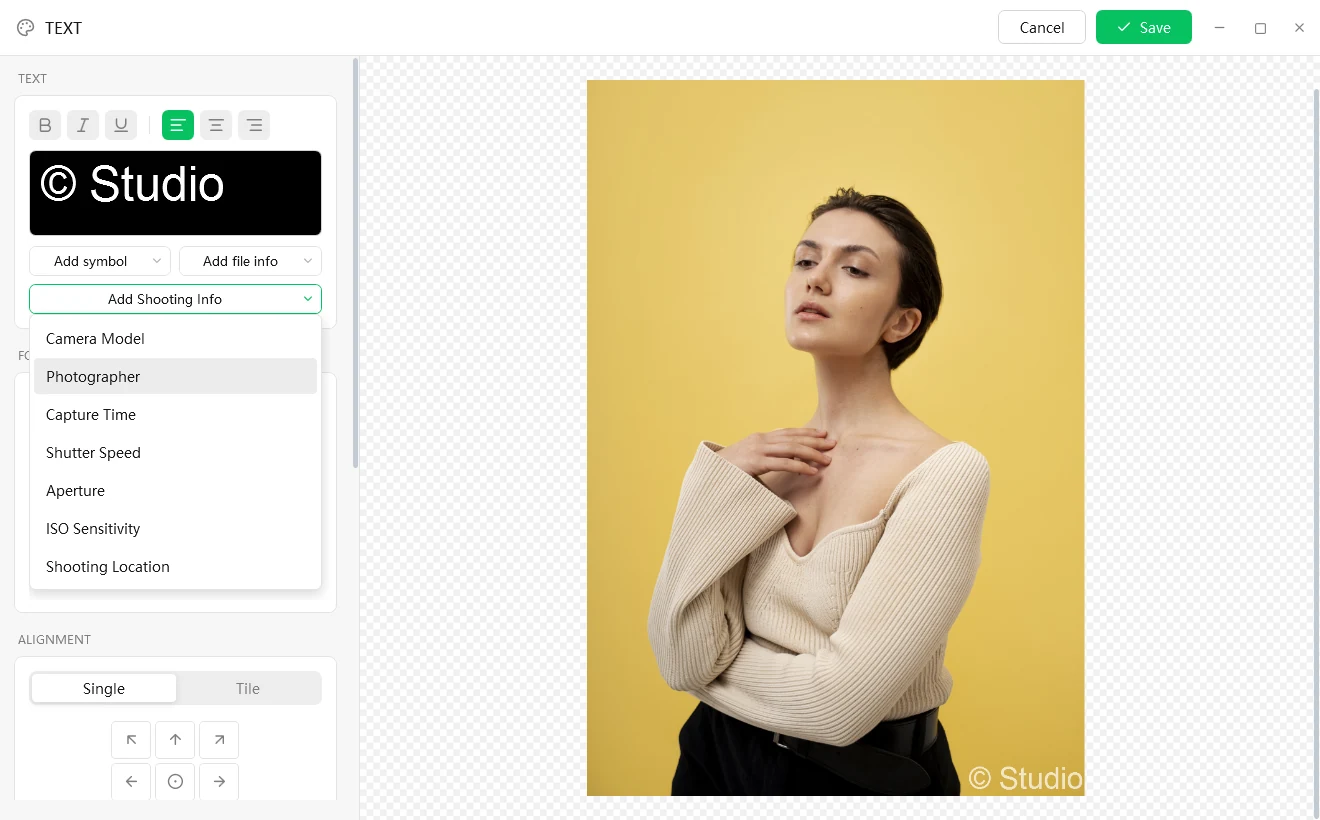
In the text watermark editor, open the Add Shooting Info menu to insert:
- Camera Model
- Photographer
- Capture Time
- Shutter Speed
- Aperture
- ISO Sensitivity
- Shooting Location
The Add file info menu adds file name, extension and dates, and Add symbol adds the copyright, registered and trademark signs. For example, put a file name in a corner of every photo so deliveries are easy to check.
Do not want to start from scratch? Use a template
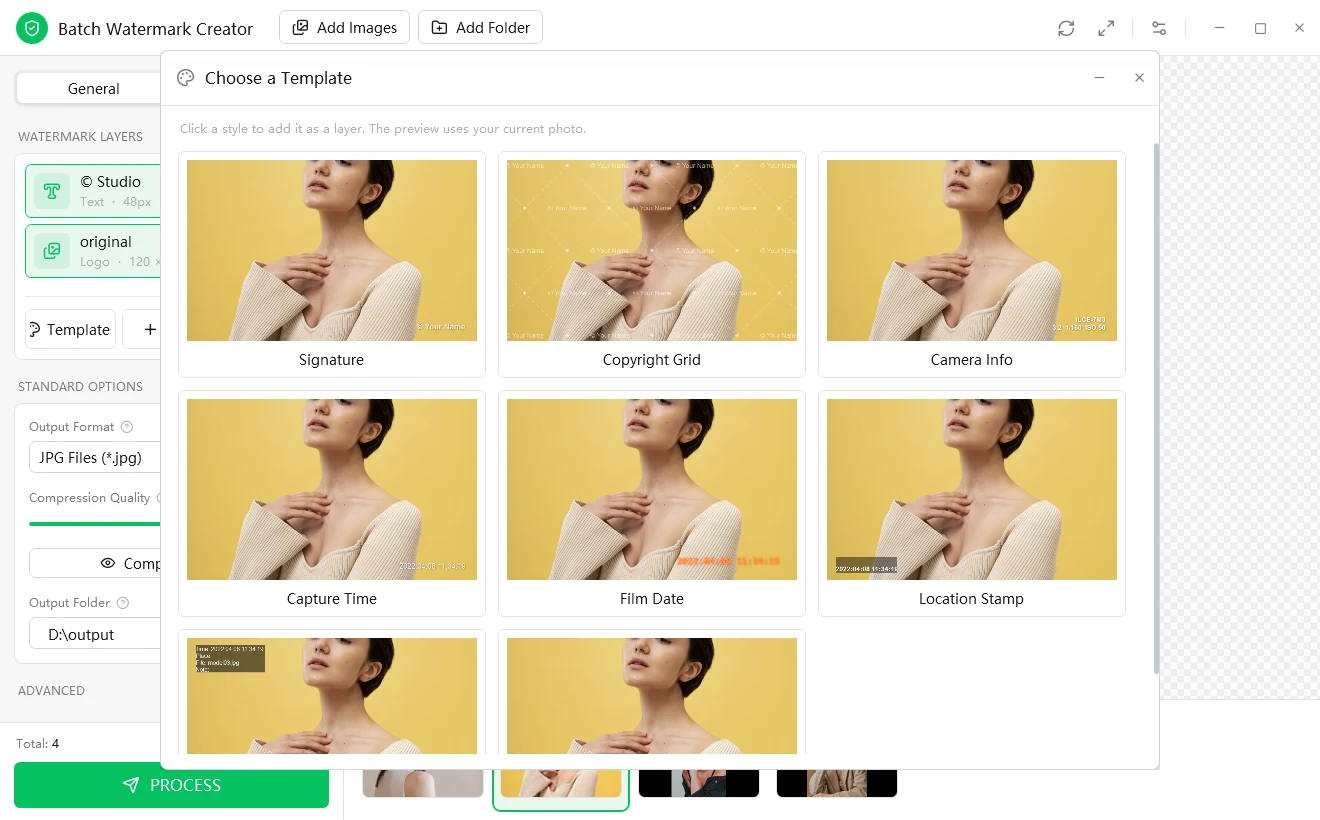
Click Template for ready-made styles: Signature, Copyright Grid, Camera Info, Capture Time, Film Date, Location Stamp and more. Pick one and it is added to the canvas, ready to fine-tune.
Three common uses
1. Portfolios: camera and settings
Use the Camera Info template, or build your own line such as camera model, aperture, shutter speed and ISO. Place it in a corner at lower opacity so it informs without distracting from the picture.
2. Inspections and records: time and place
Site progress, equipment checks and store displays often require a time on each photo. The Capture Time and Location Stamp templates stamp each photo with its own values, which is more reliable than writing them in afterwards. Location only has a value if the photo itself contains location data.
3. A retro film look: the date stamp
The Film Date template prints a date like an old film camera in the corner. Apply it to a whole trip in one run.
Keep it readable on any photo
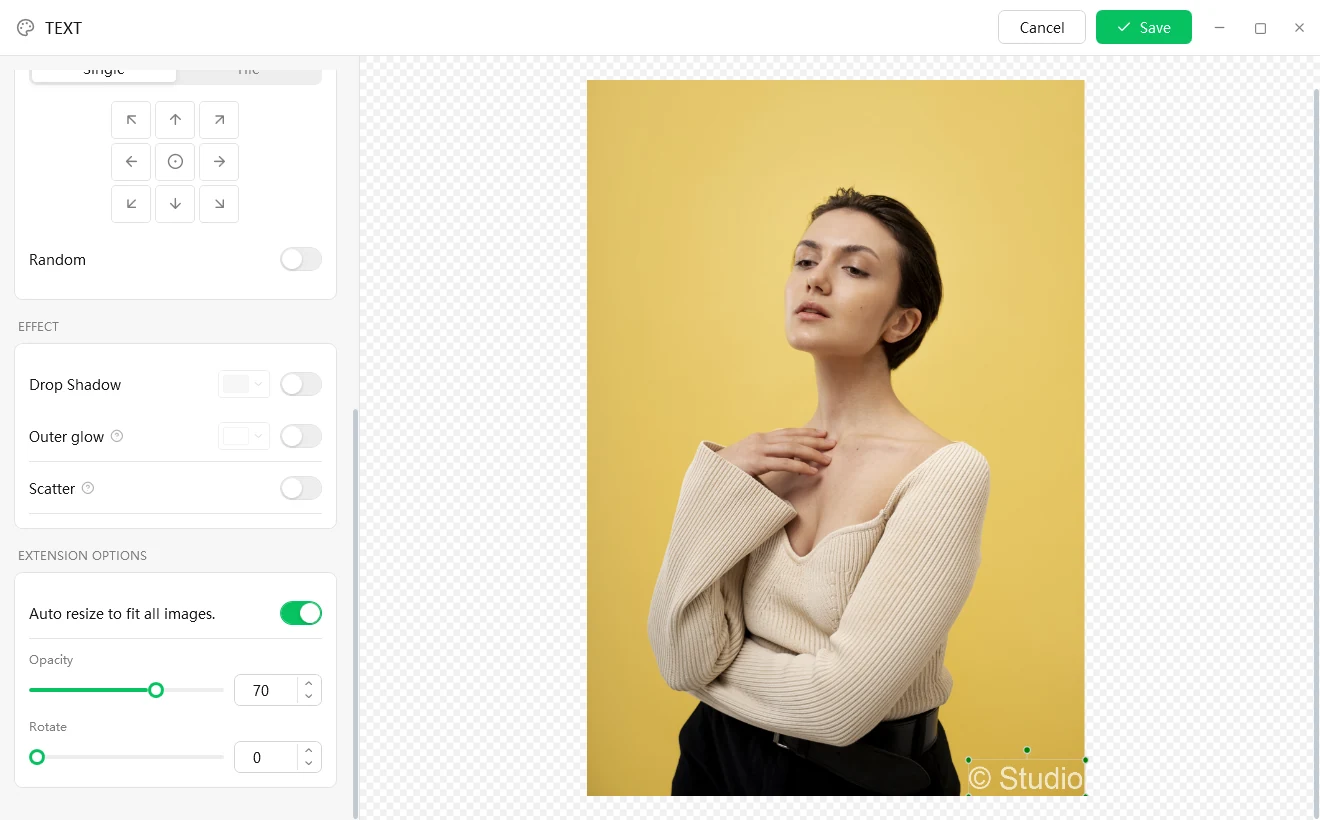
You cannot control how bright a photo is, and white text vanishes against a pale sky. Text watermarks offer Drop Shadow, Outer glow and Scatter, which can be combined, and the nine-grid buttons snap the text to nine common positions.
Learn more on the Batch Watermark Creator page, or download the trial (15 days, every feature).