Batch Watermark Creator 9.0: New Canvas Engine and Rebuilt Watermark Layers
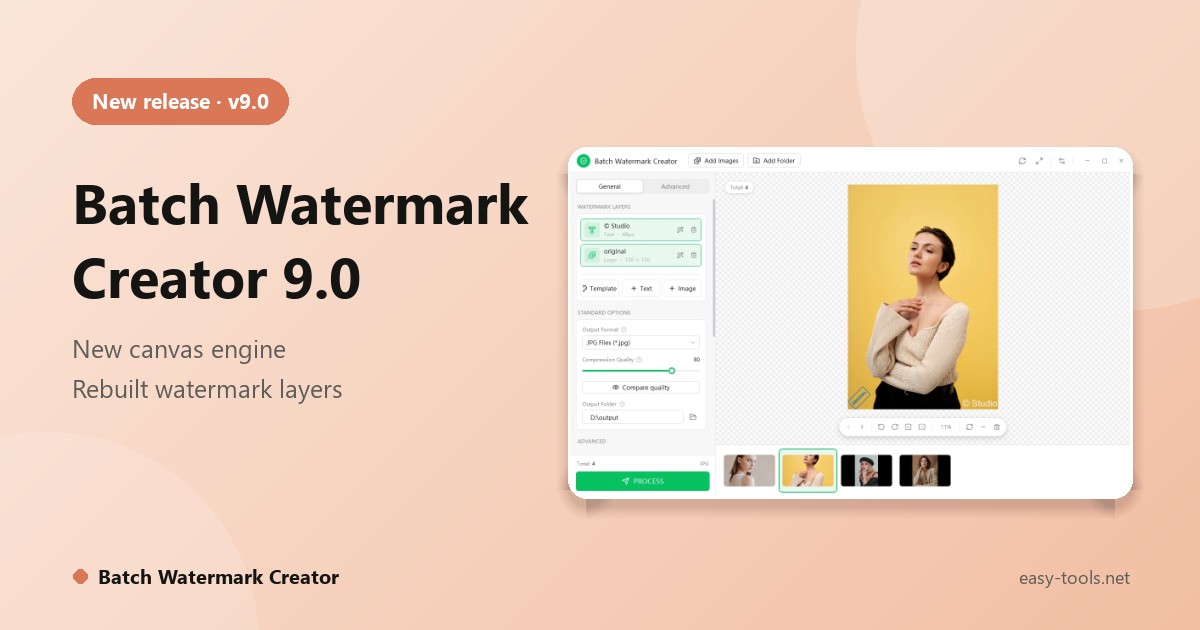
Batch Watermark Creator 9.0 is out. It is an update from the core to the interface: a new canvas rendering engine, rebuilt watermark layer management, shooting-info placeholders that cover the fields photographers actually use, and a Compare Quality preview that shows you the real output. Alongside it we are releasing a free Android app, Batch Watermark Creator for Android 1.0.
What is new in 9.0
A new canvas engine
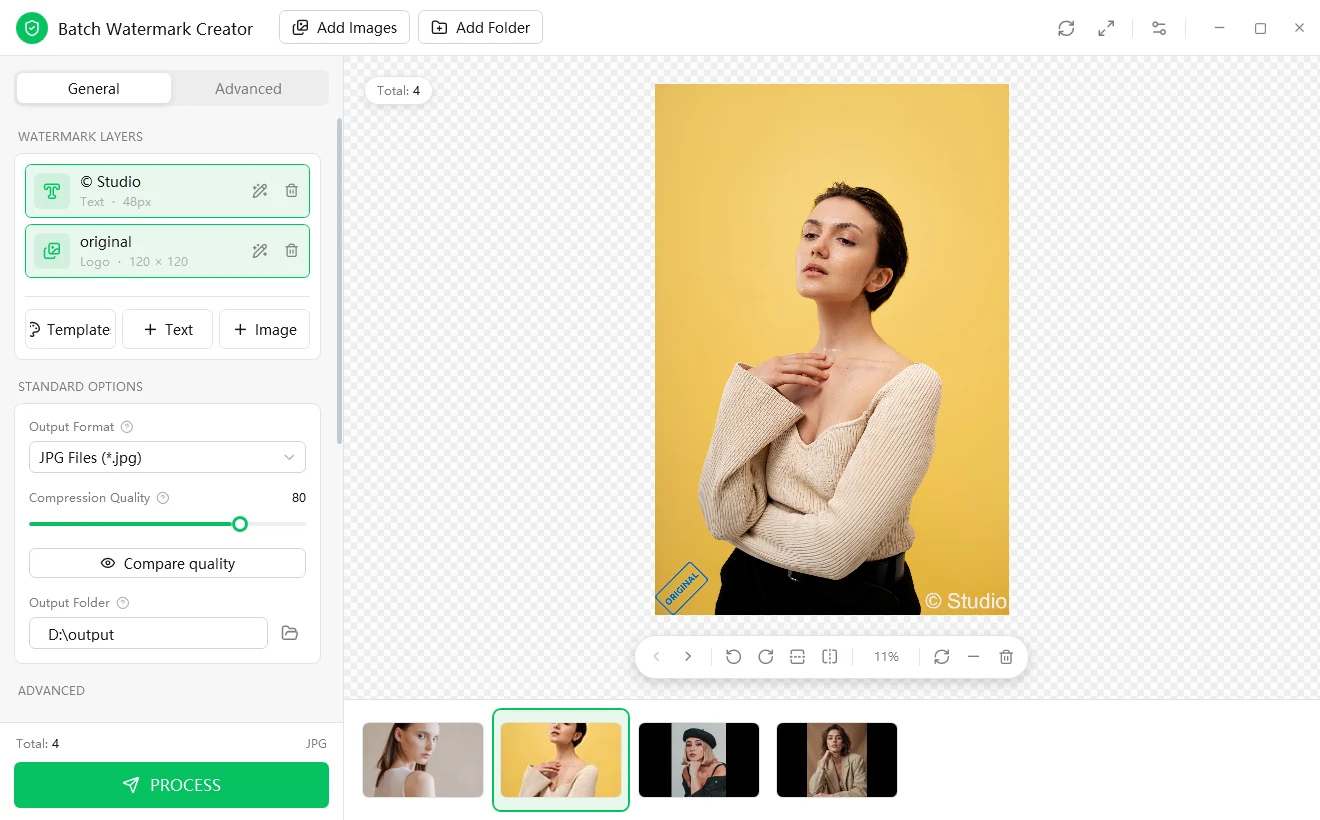
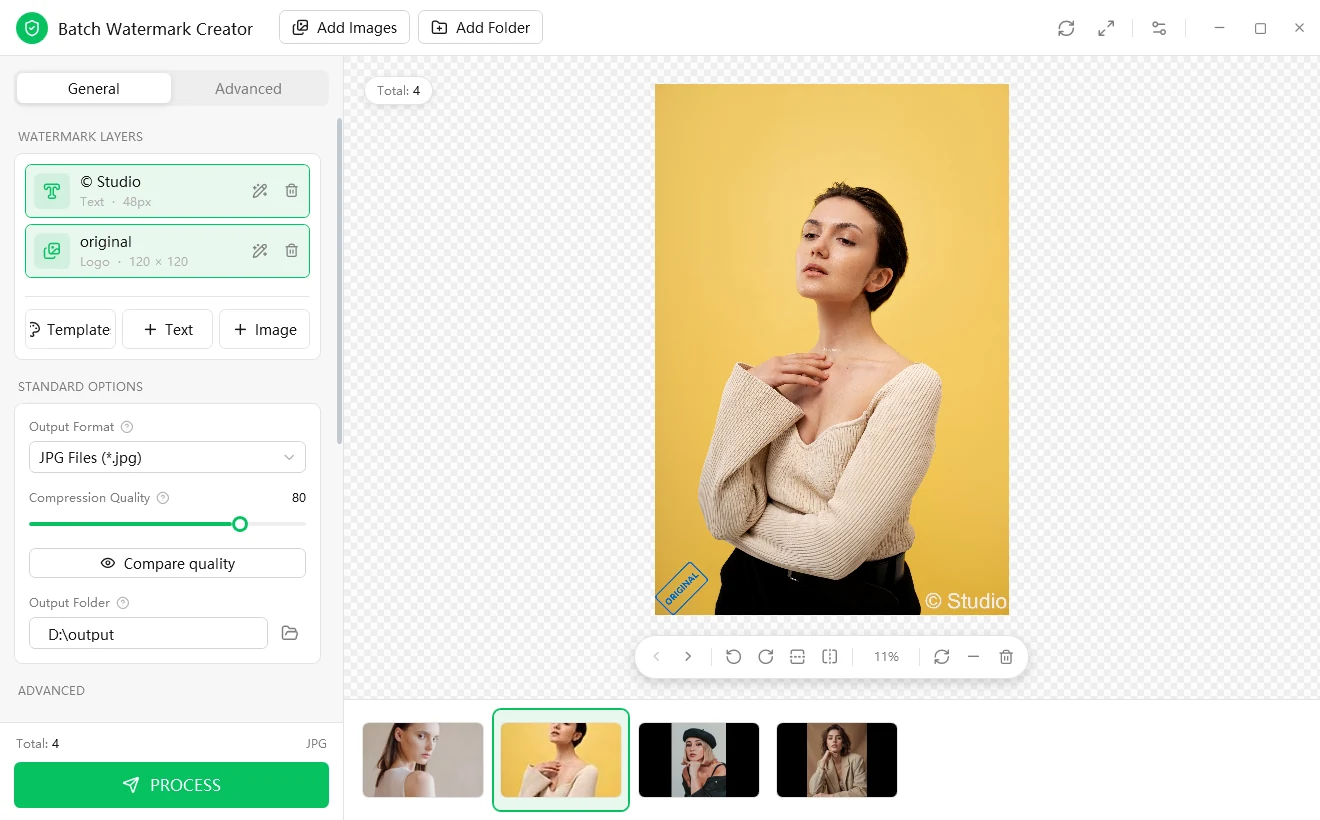
The preview canvas runs on a new rendering engine, so dragging and zooming feel smoother and large batches process faster. All enabled layers are rendered together, matching the output.
Rebuilt watermark layers
Stack as many text and image layers as you like and switch each one on or off independently. For example, a copyright line in the corner plus your logo as a second layer, each with its own position, opacity and effects.
Shooting info in your watermark text
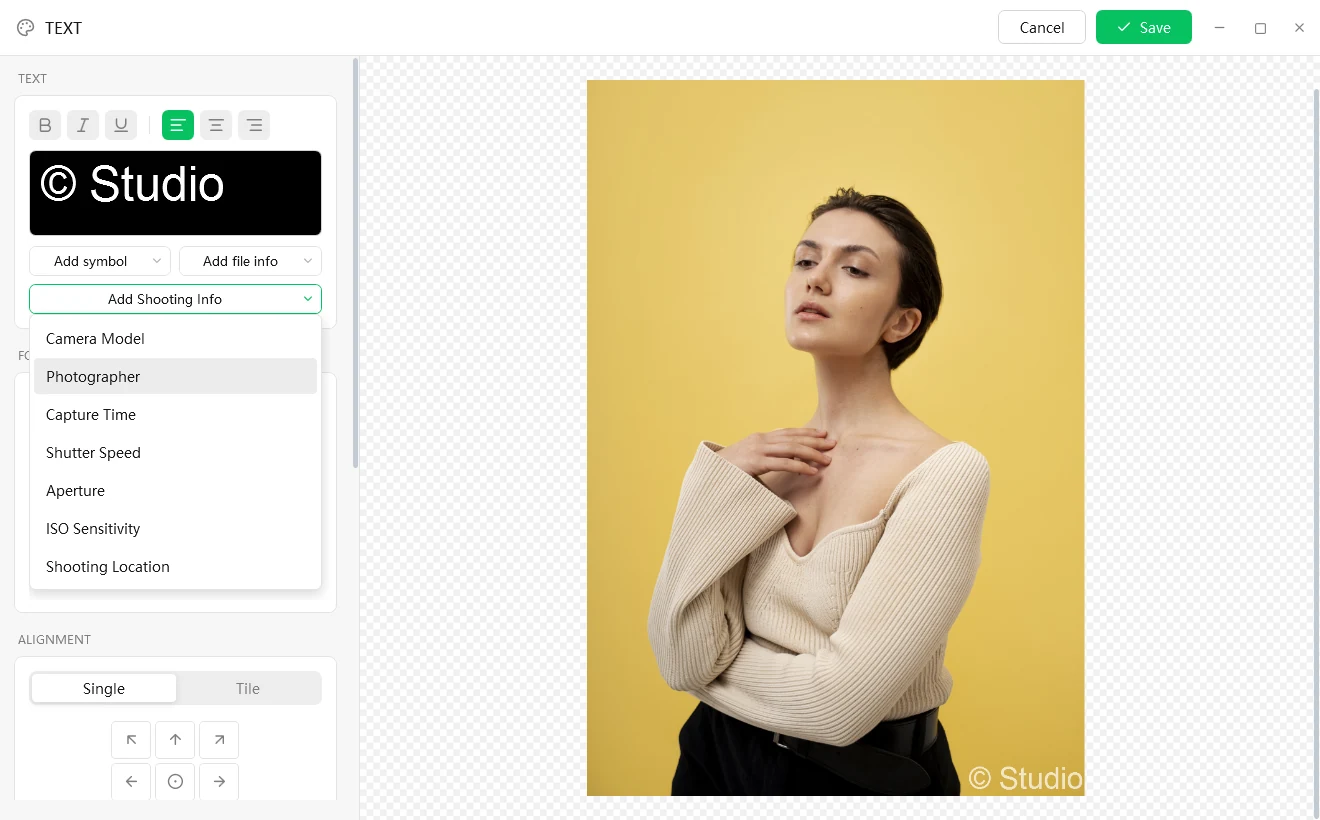
Insert camera model, photographer, capture time, shutter speed, aperture, ISO or shooting location into the text. Each photo's own value is read as the batch runs, so one setup gives thousands of photos their own captions. File name, extension and dates are available as well.
Effects that keep marks readable
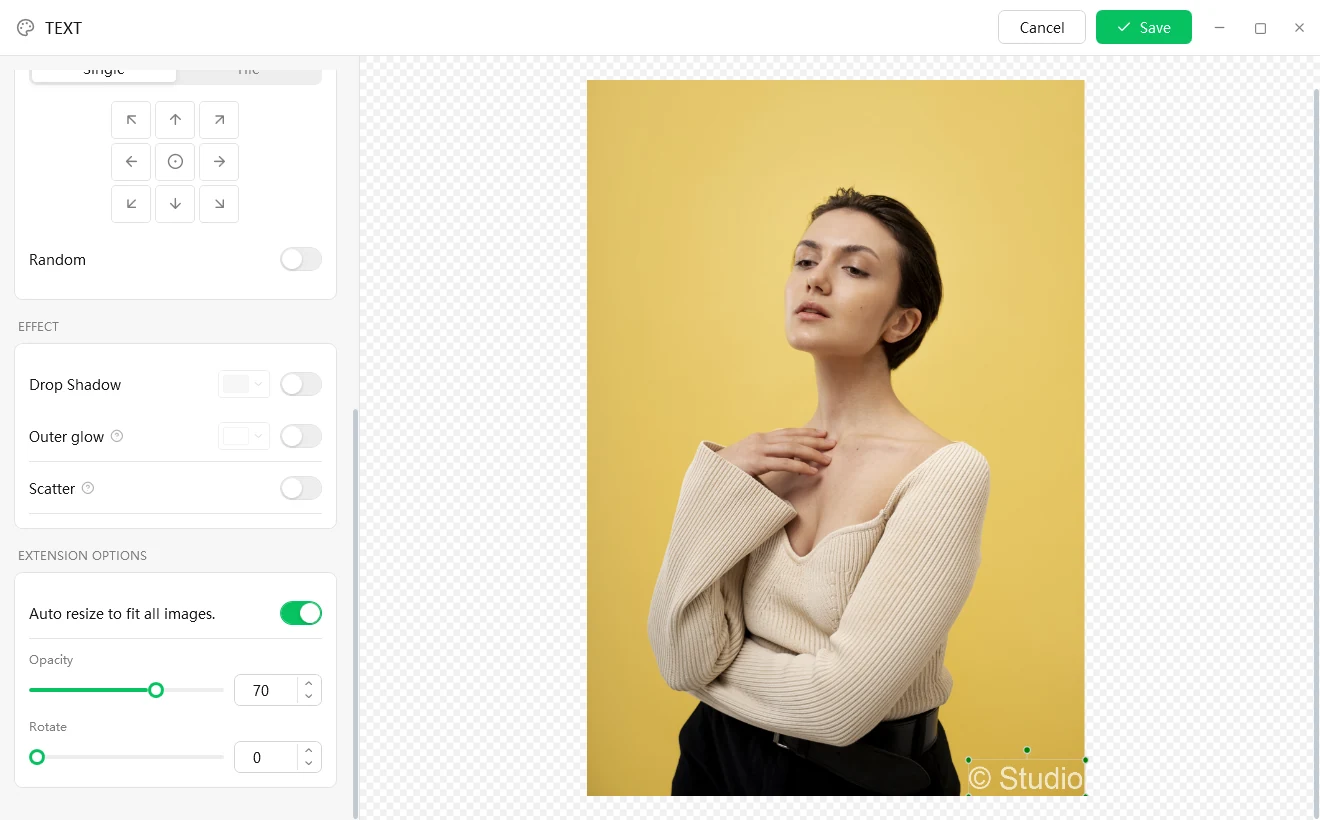
Drop Shadow, Outer glow and Scatter can be combined, so a watermark stays legible over dark, light and busy photos. Position it with the nine-grid buttons, drag it anywhere, or turn on Random.
Compare Quality shows the real result
Before you process, open Compare quality to see the original and the result side by side, with pixel dimensions and file size for each. In 9.0 this preview runs through the same encoding path as the batch itself, so what you see is what you get.
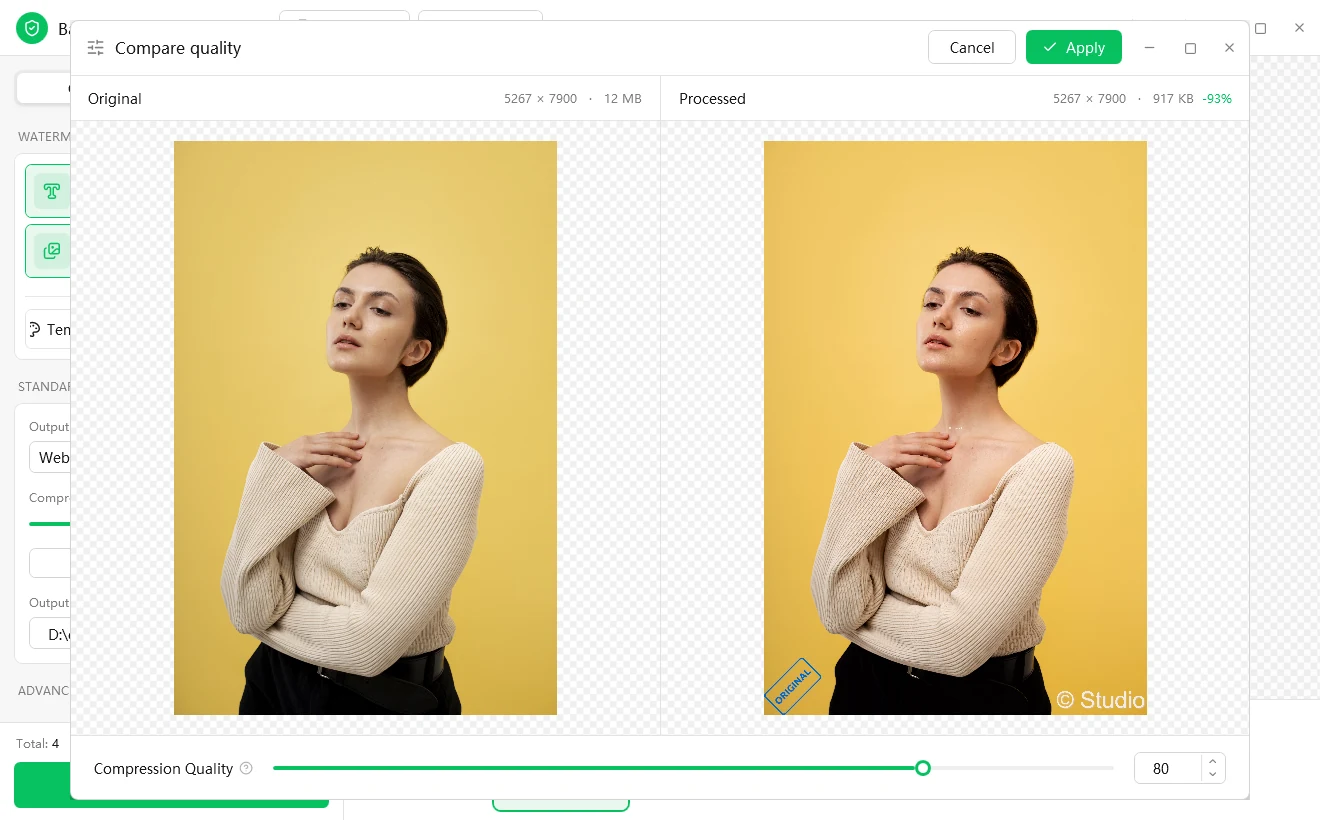
A redesigned interface
- General and Advanced tabs. Batch resizing and renaming live under Advanced.
- Help text on hover for the fields that need it.
- Recent runs, saved with their full settings, can be re-applied in one click.
Platforms and formats
Installers are available for 64-bit and 32-bit Windows, and the app runs on Windows 7, 8, 10 and 11. You can save to seven formats: JPG, PNG-24, PNG-8, WebP, BMP, GIF and TIFF. The interface comes in English, Chinese, French and Spanish.
New: Batch Watermark Creator for Android 1.0
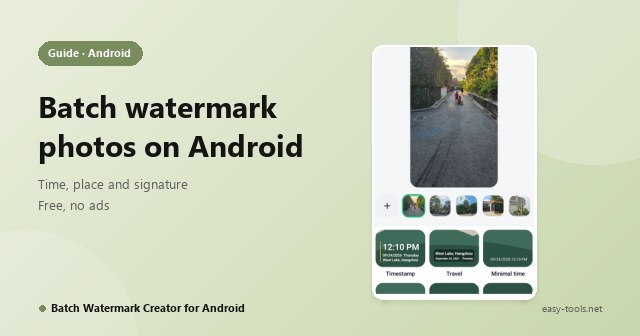
Photos on your phone need watermarks too. The Android app is free, ad-free and needs no sign-up. Select a batch of photos, tap a template, and each photo gets its own capture time, place, signature or camera settings. You can add an info frame and a logo, resize and rename on export. There are 11 templates.
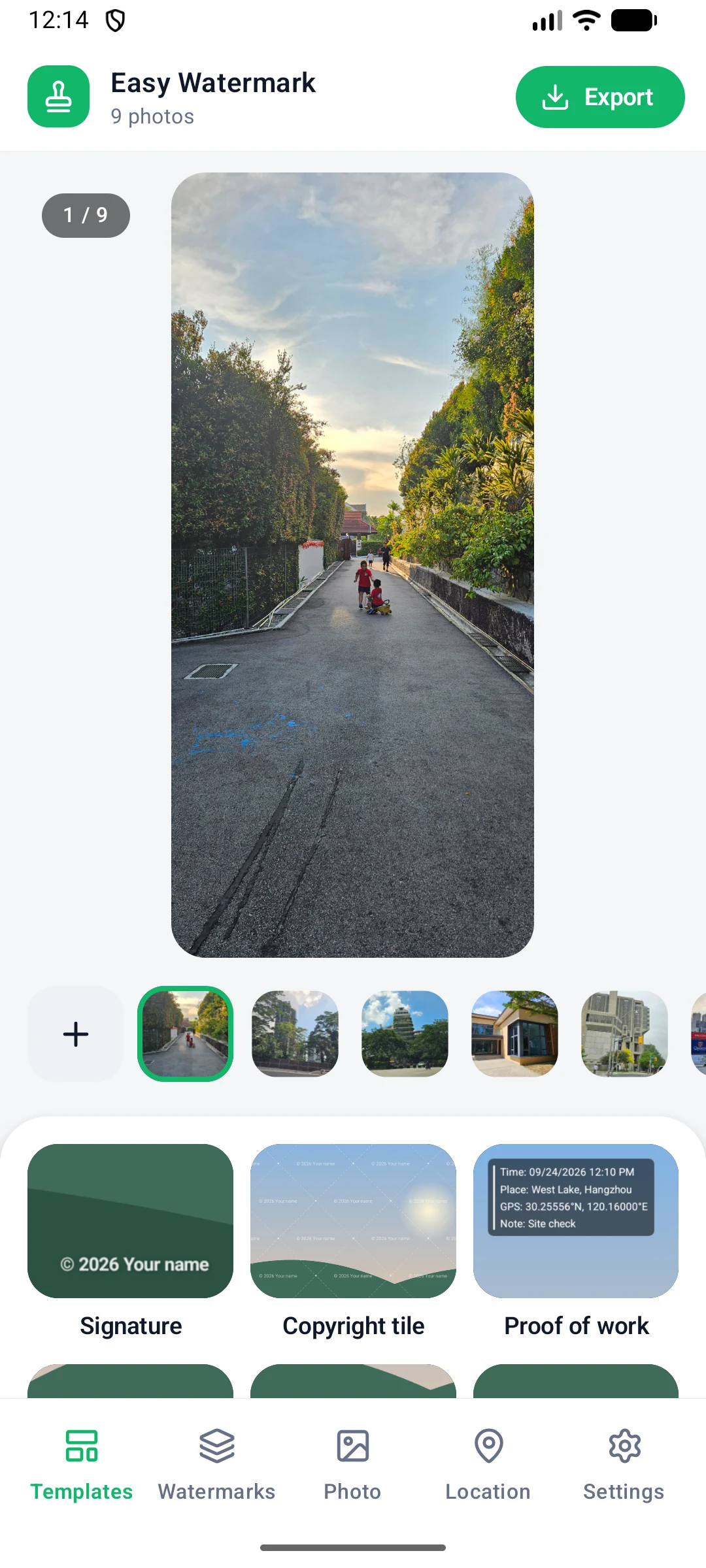
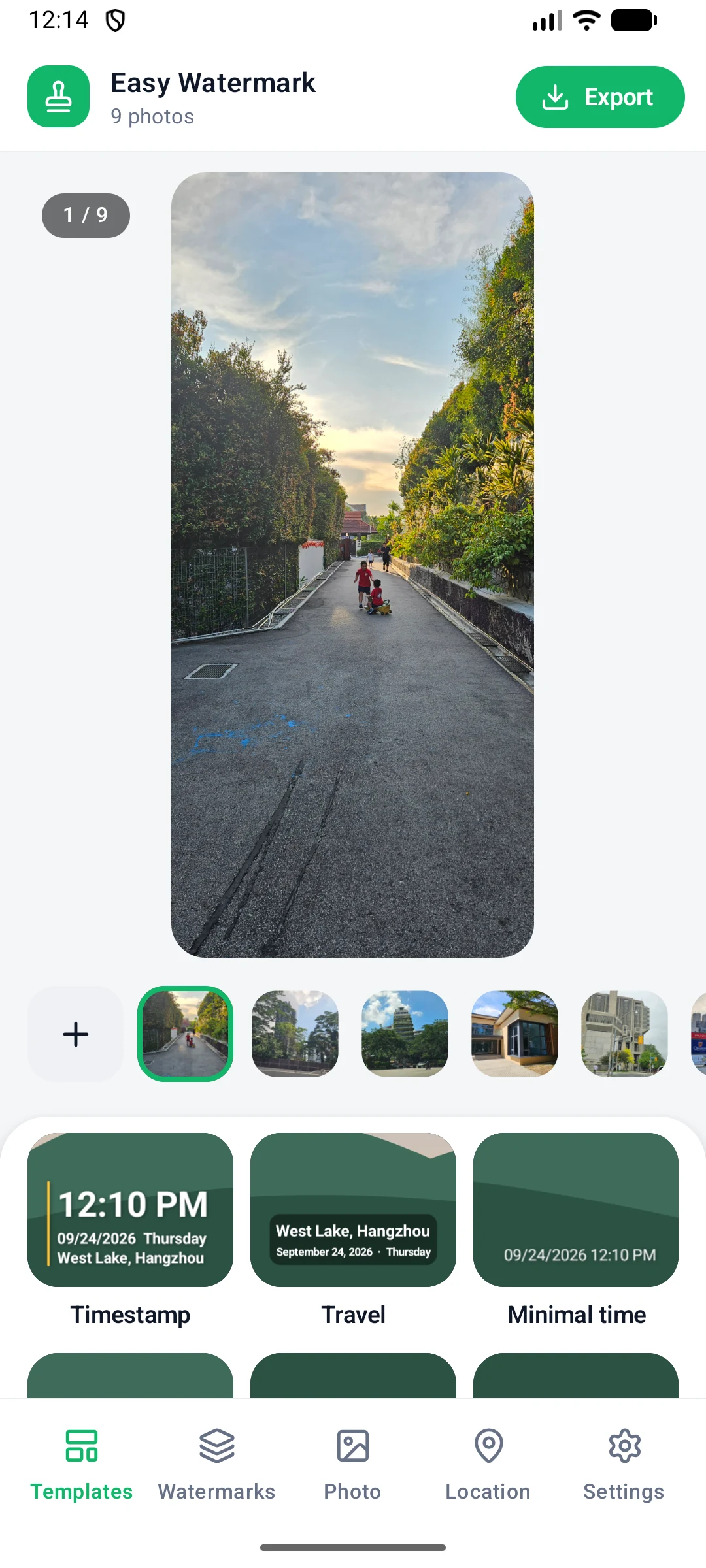
More on the Android app page.
Getting 9.0
Download it from the download page. The full version history is on the changelog.