Picture Merge Genius 4.1: Collage, Grid and Long Image in Three Steps
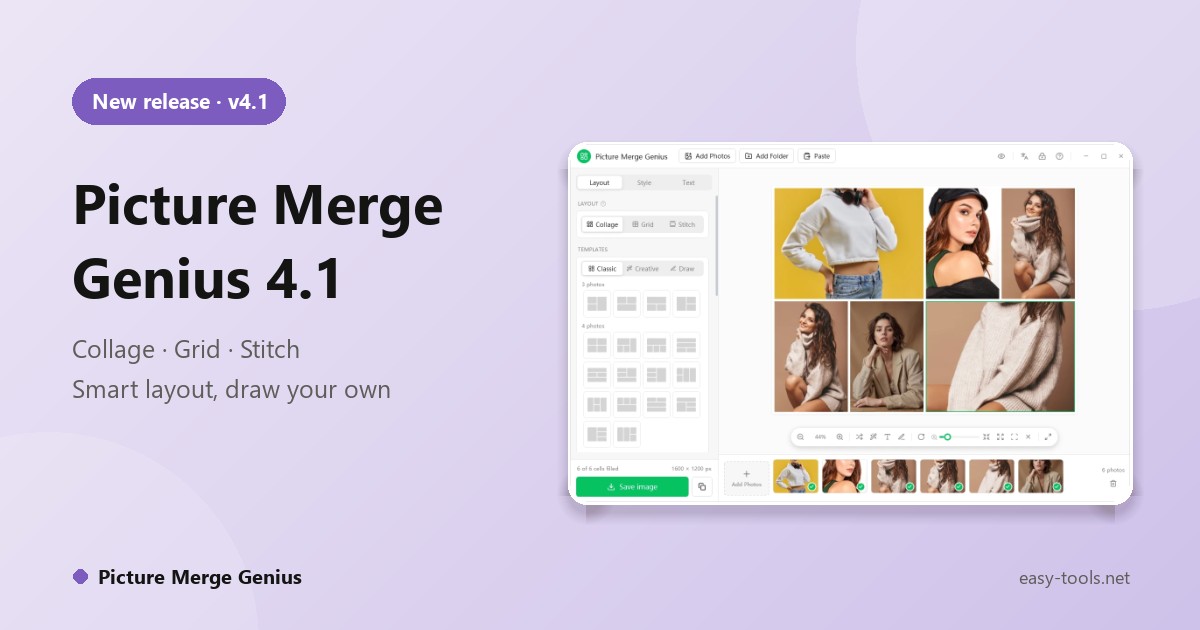
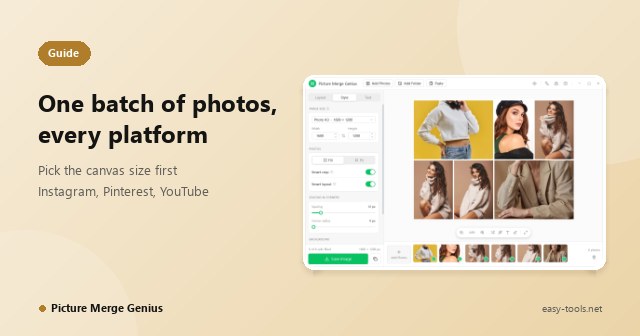
Putting a few photos into one good-looking image is a small job that never goes smoothly. Design suites greet you with a blank canvas, online collage sites want your private photos uploaded, and phone apps feel cramped when your pictures are in a folder on a PC. Picture Merge Genius is a Windows app built for exactly this, in three steps: add photos, pick a layout, save. Version 4.1 is out.
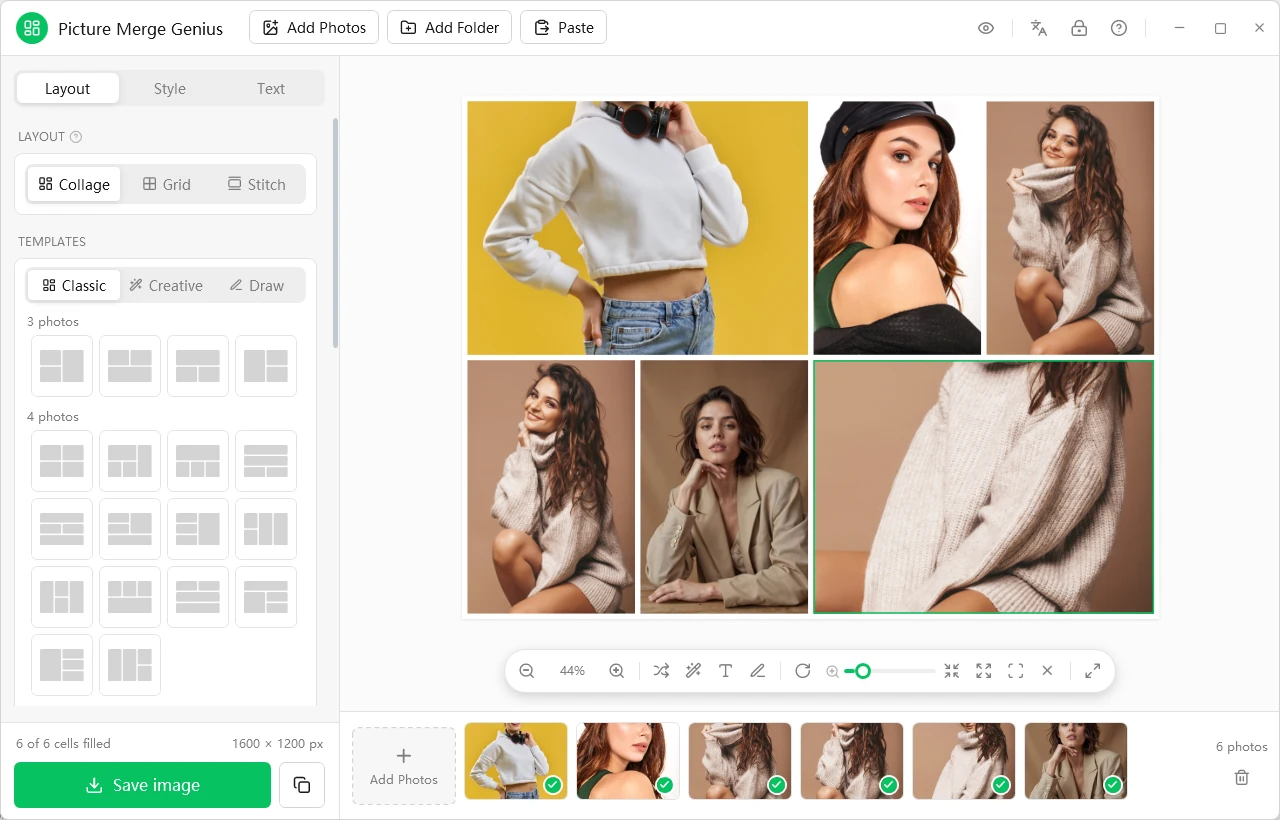
Three ways to merge
Collage: designed layouts
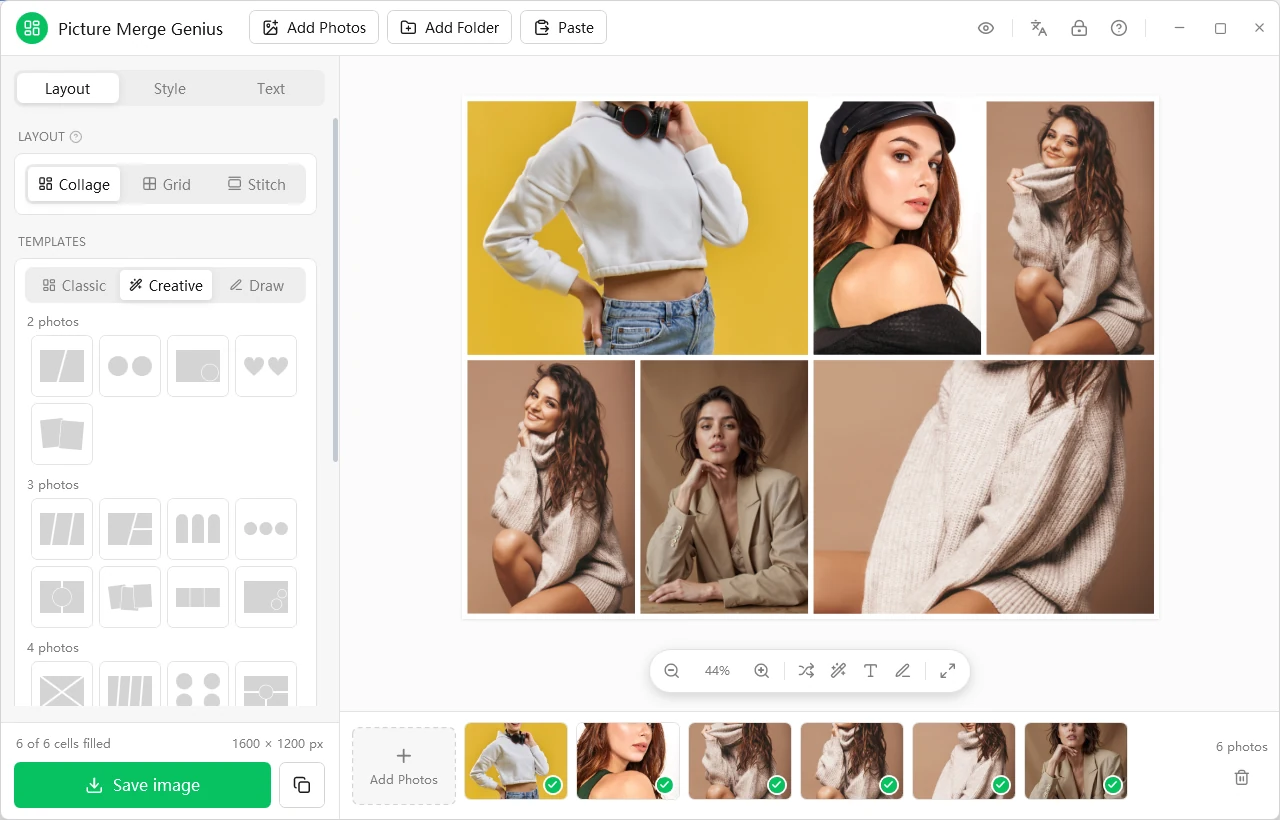
There are dozens of built-in layouts. Classic gives clean rectangles grouped by photo count. Creative adds slanted splits, circles, hearts, hexagons, stars, Polaroid cards and film strips. Drag inside a cell to reframe a photo, or drag one photo onto another to swap them.
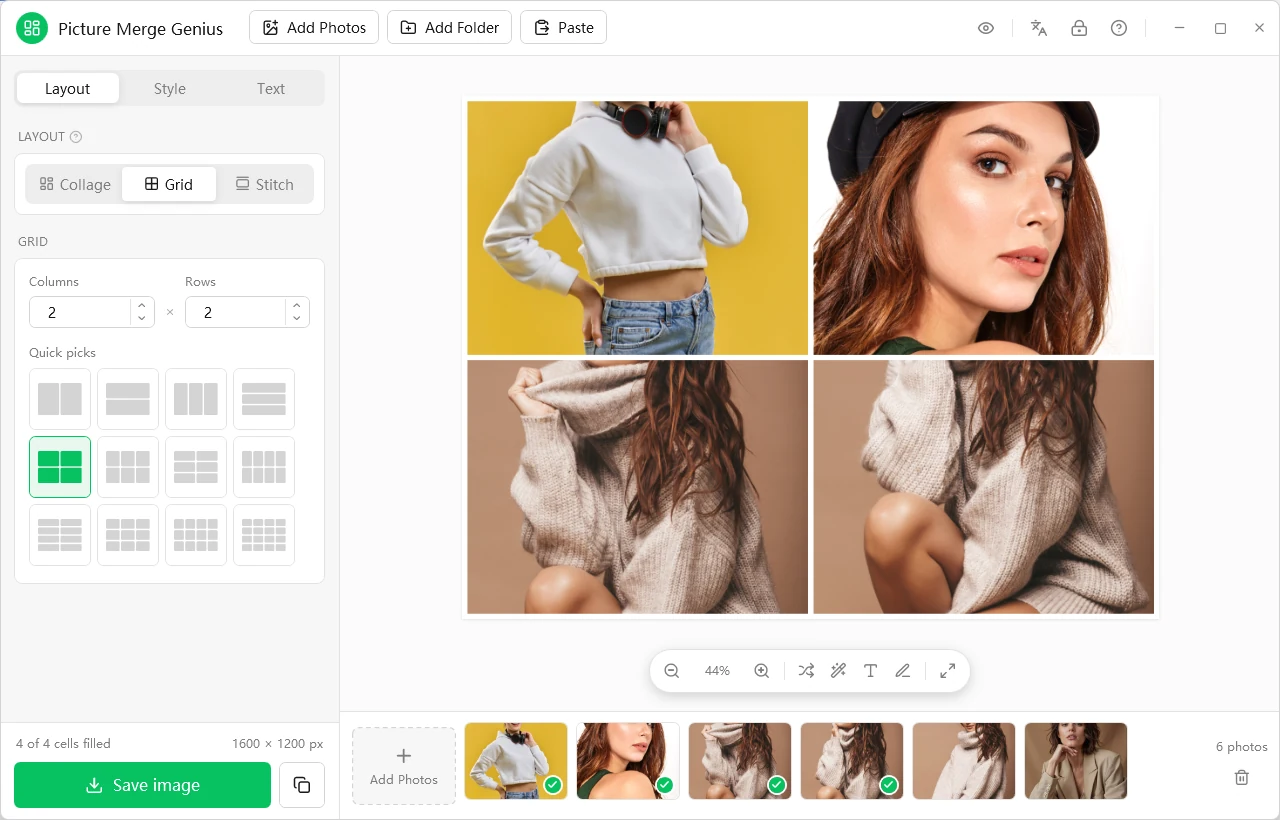
Grid: tidy rows and columns
Equal cells, any number of columns and rows, plus quick picks: 2 x 1 puts two photos side by side, 1 x 2 stacks them. A good fit for product catalogs and consistent galleries.
Stitch: nothing gets cropped
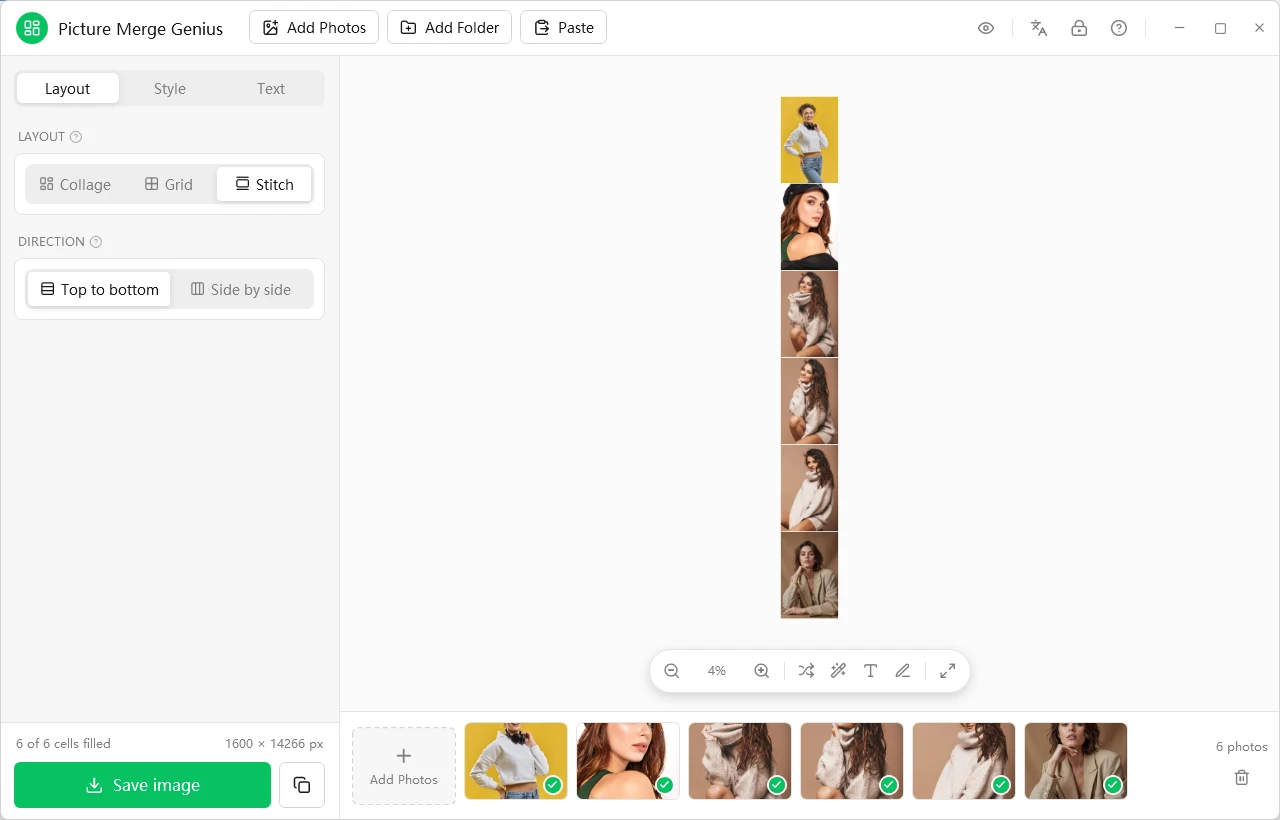
Stitch joins whole photos end to end, top to bottom or side by side, without cropping anything. It is made for long screenshots, chat threads, receipts and panoramas.
Three smart helpers
- Smart layout: add photos to an empty canvas and the app picks a layout that fits them all, with portraits in tall cells and landscapes in wide ones.
- Smart arrange: chooses the layout that suits your set and puts each photo where it needs the least cropping.
- Smart crop: when a crop is needed, it keeps the most detailed part of the picture, usually the subject, instead of always cutting around the center.
These remove the three most time-consuming decisions in the whole process. The core layout algorithms run in a compiled native module, so arranging a full set of photos stays instant.
Not enough presets? Draw your own layout
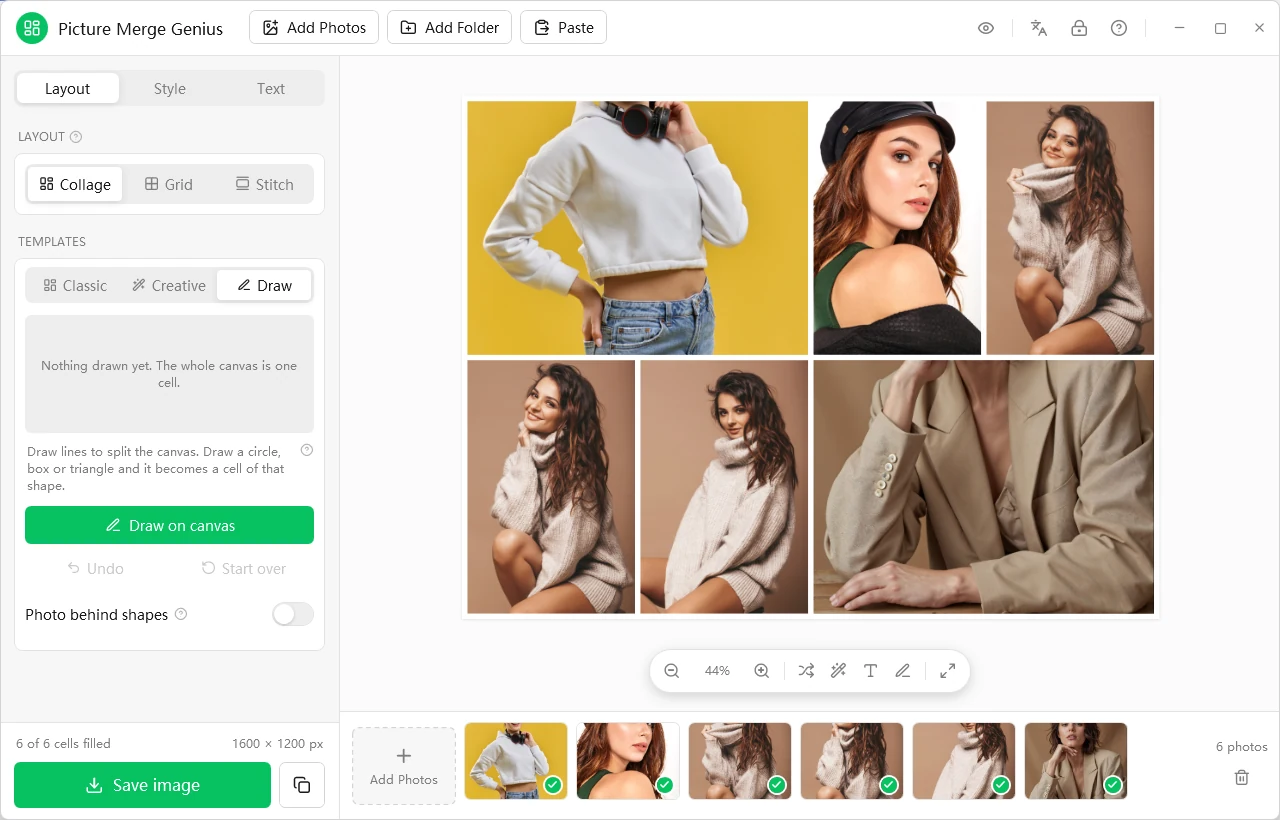
In the Draw template family, click Draw on canvas. Draw lines to split the canvas, or draw a circle, box or triangle to get a cell of that shape. Strokes are tidied up automatically, and a finished design can be saved as a reusable template, so a brand's signature layout only has to be made once.
Text, spacing and corners
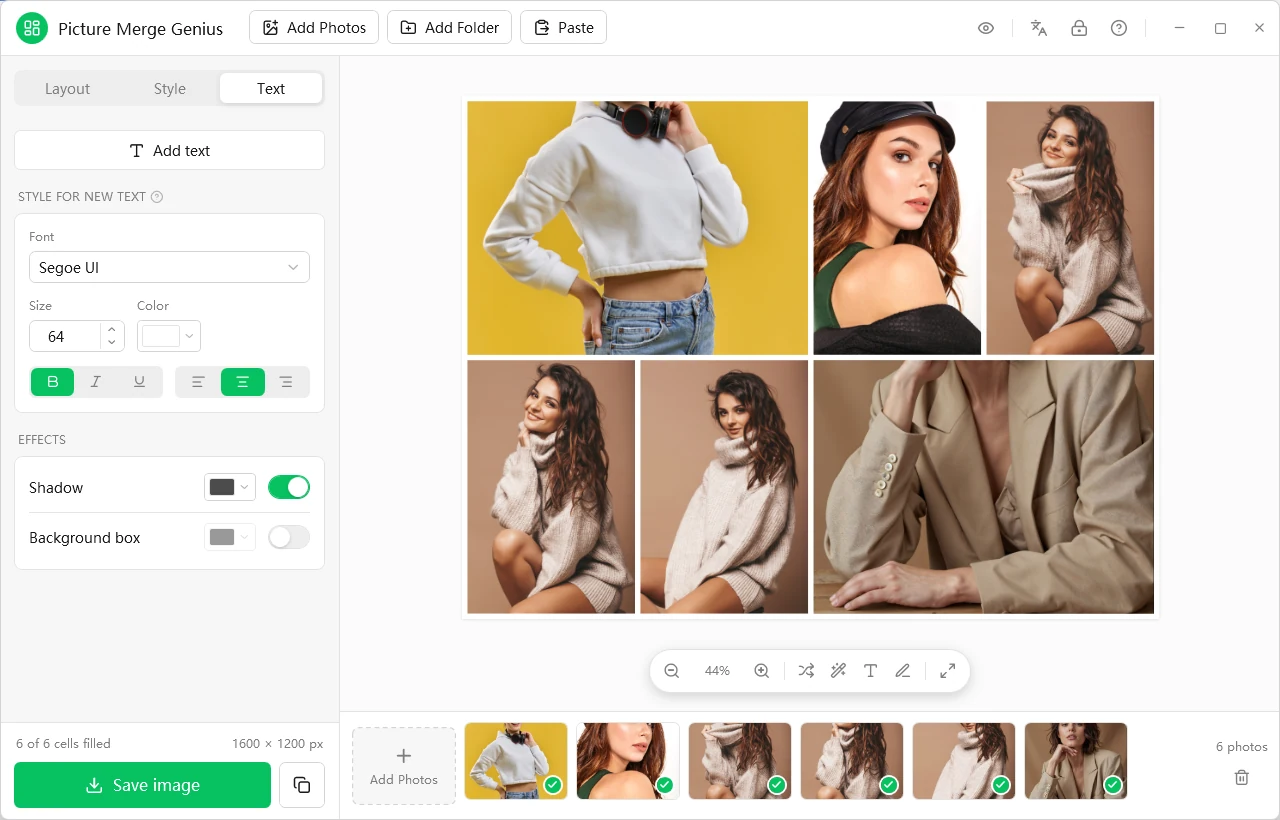
- Text: font, bold, italic and underline, color, background box, shadow and alignment, for titles, captions and memes.
- Look: spacing between photos, corner radius, background color, and zoom and rotation inside each cell.
- One-click tools: shuffle the photos, switch canvas orientation, fit the whole image to the window.
Your photos stay on your PC
Most online collage tools upload your pictures first. Picture Merge Genius does not: merging, cropping and exporting all happen on your computer. There is no photo account and no cloud library. That makes it suitable for client work, unreleased products, family photos and internal screenshots.
- Opens: JPG, PNG, BMP, GIF, TIFF, WebP and HEIC, with each photo's orientation respected.
- Saves: JPG, PNG (with a transparent background), BMP, TIFF and GIF, or copy to the clipboard and paste straight into a chat, email or document.
Trial and requirements
Try Picture Merge Genius free with every feature unlocked, then buy a license to keep using it: a lifetime license is one payment, and 1-year licenses are available too.
Read the full overview on the Picture Merge Genius page, or download the trial.