PicQuilt for Android: Cute Photo Collages in Seconds, Free
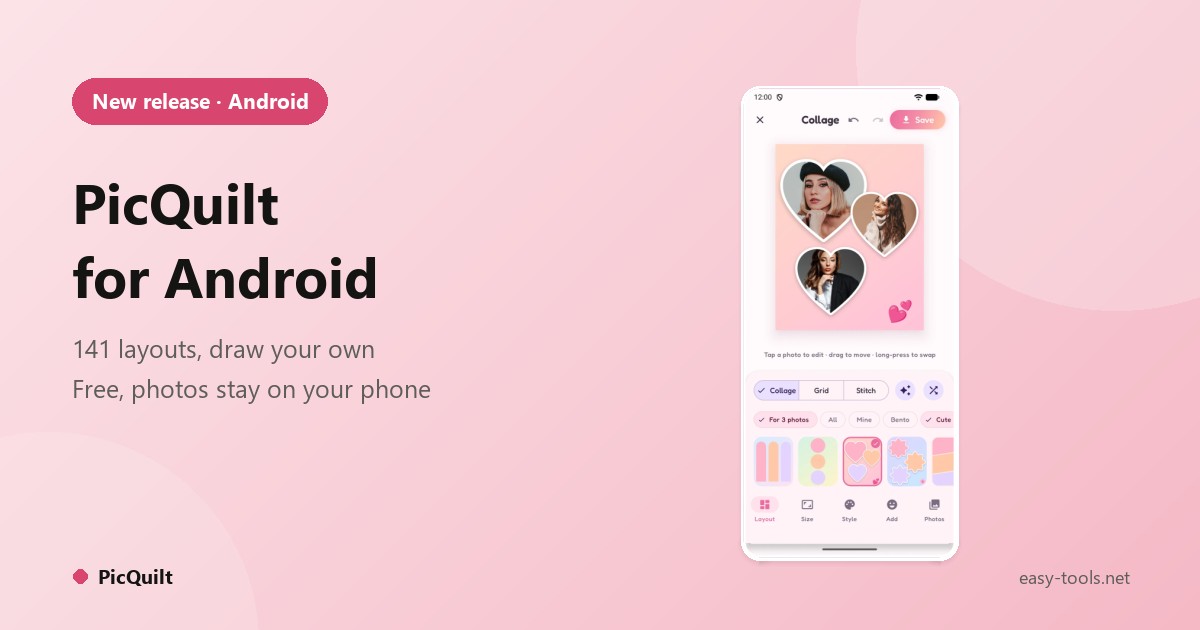
You come back from a weekend away with twenty photos and want to post six of them. Then the usual trouble starts: the grid is ugly or the wrong size, the platform crops half a face, and the app wants your photos uploaded to a cloud first. PicQuilt is built to make a good-looking collage take seconds, on your phone. It is free on Android.
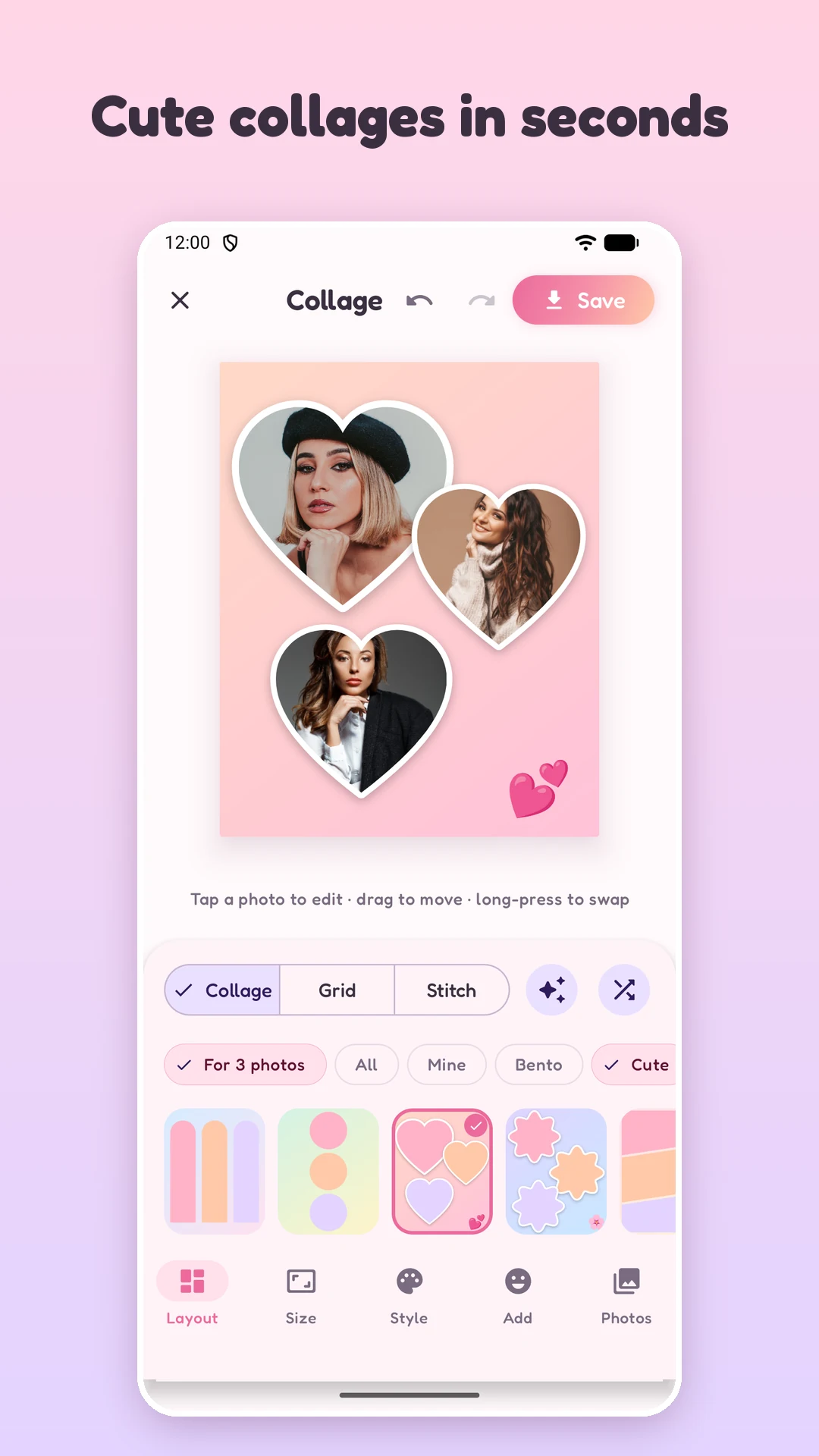
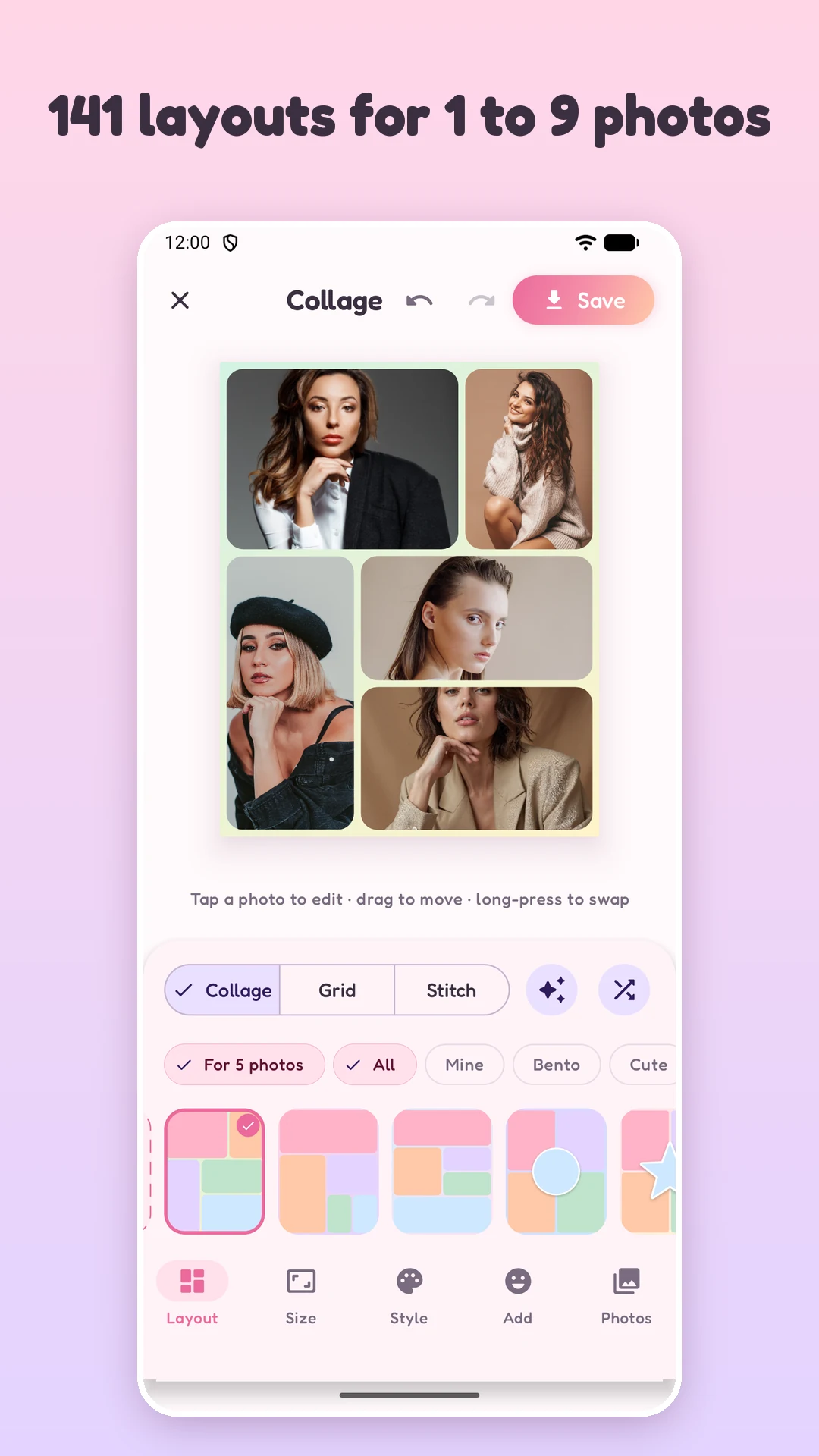
Three steps, a few seconds
| Step | What you do | What PicQuilt does |
|---|---|---|
| 1 | Pick a few photos | Finds the subject and lays them out for you |
| 2 | Choose a layout you like | Applies a full set of background, spacing, rounded corners and decoration |
| 3 | Tap Save | Exports in high quality to your gallery, or shares directly |
No account, no cloud, no paywall waiting on the first screen.
Three modes
- Collage: choose from 141 layouts and put 1 to 9 photos into a designed composition.
- Grid: tidy rows and columns, up to 5 x 5. Smart layout works out the best grid from your photo count, the canvas shape and each photo's proportions.
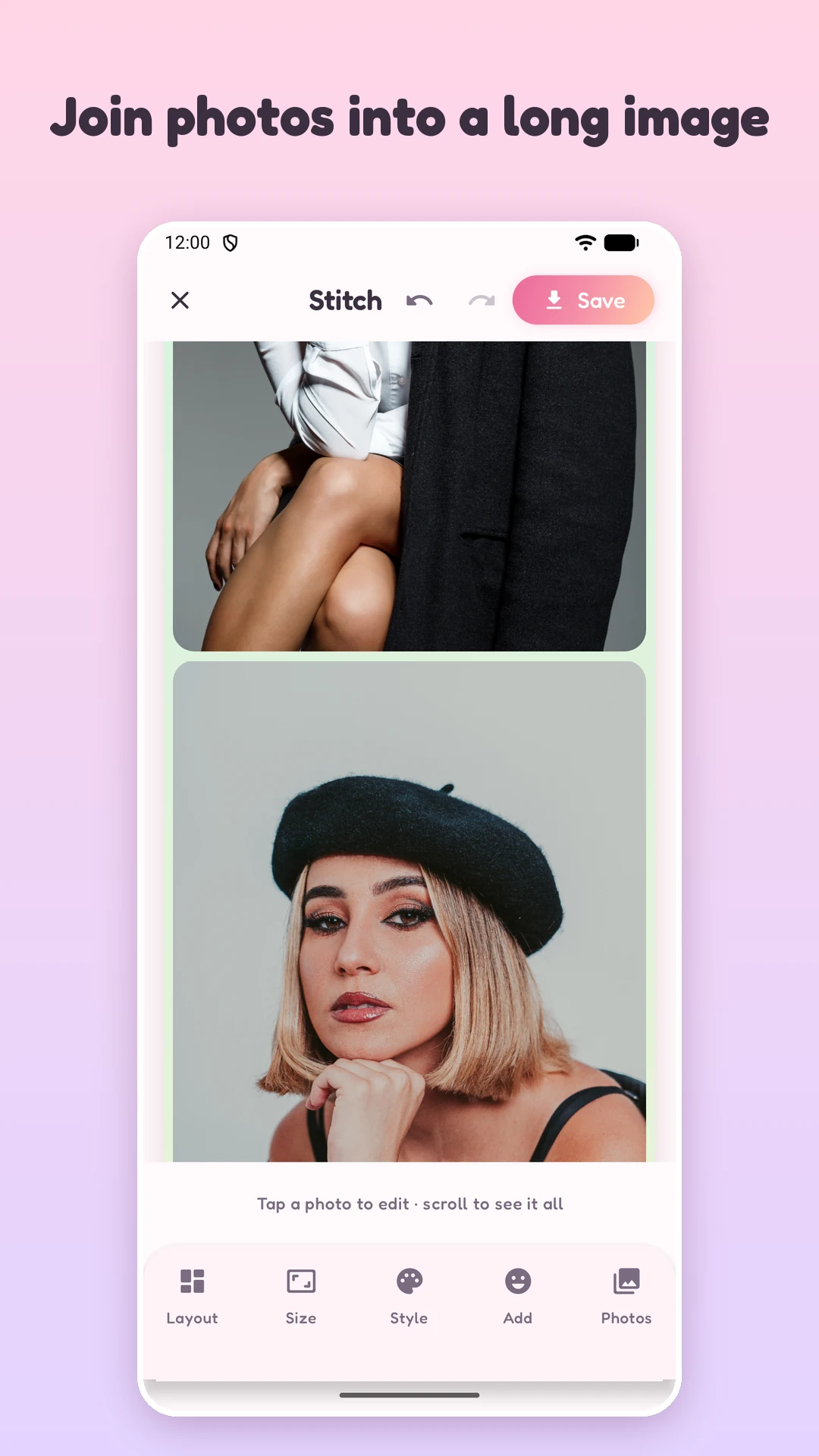
- Stitch: join chat screenshots, order details or checklists end to end, top to bottom or left to right, with no cropping at all.
Templates that look finished
A PicQuilt template is a complete design with its own background, spacing, rounded corners and emoji decoration. Six style families:
- Bento: rounded cards with generous spacing and pastel backgrounds
- Cute: hearts, flowers, circles, stars, clouds, honeycombs and bubbles, each with a white sticker outline
- Scrapbook: tilted Polaroids and washi tape on gingham, dots, grid or heart patterns
- Strips: photo-booth strips, Instax prints and film reels with true-to-life borders, never stretched
- Story: layouts made for 9:16 vertical screens
- Classic: 52 dependable rectangular collages
Draw your own layout
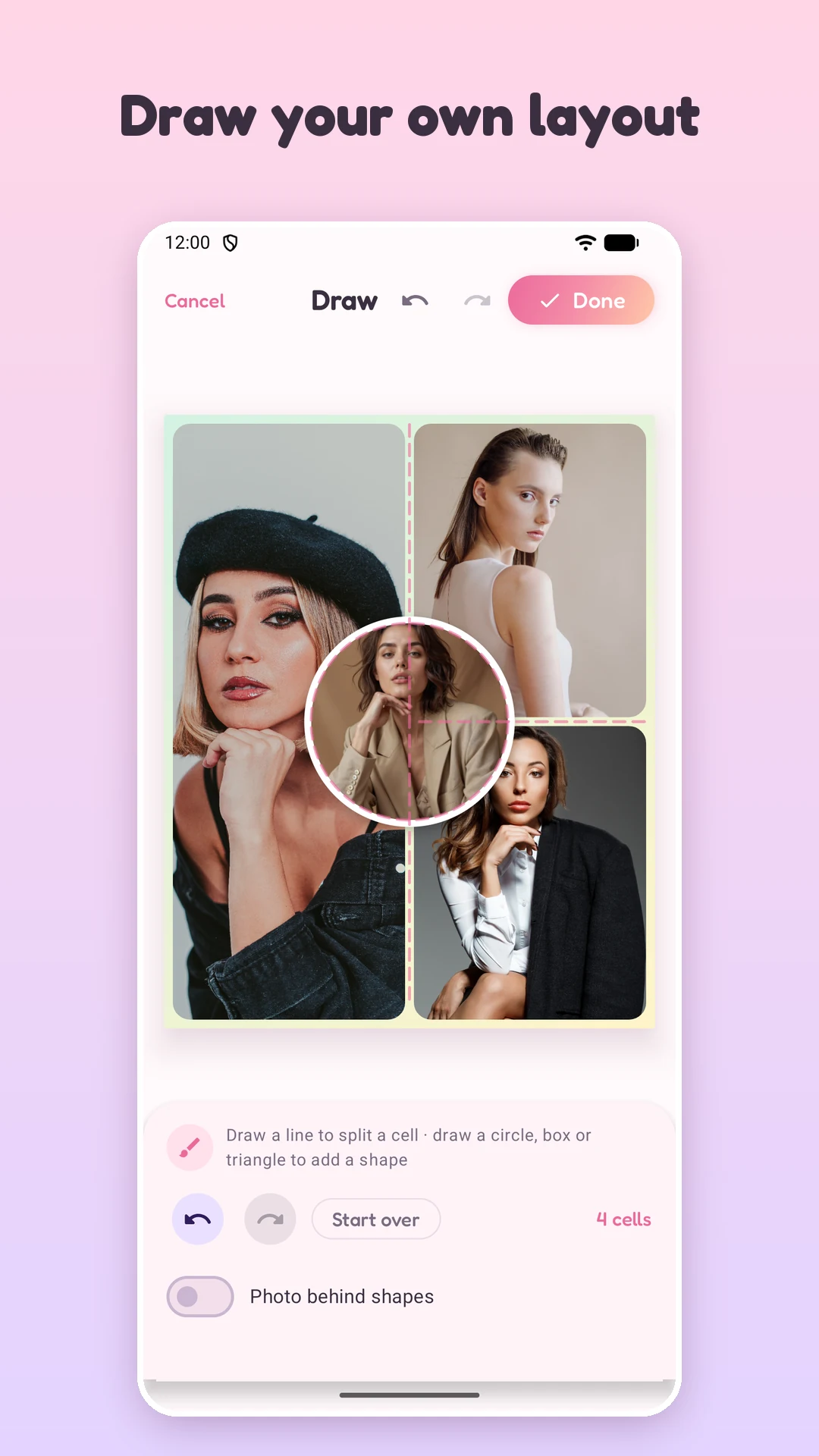
This is the most unusual feature. Open the layout panel, tap the draw icon, and:
- Draw a line to split a cell in two. It only has to cross a quarter of the cell, and nearly straight lines snap to straight, then to halves, thirds and quarters.
- Draw a circle, box or triangle and it turns into a new cell on top. Ten shapes are recognized and tidied up.
- Each stroke shows what PicQuilt recognized. If it guessed wrong you can change it, and you can delete a single stroke. Cancel puts the layout back the way it was before you started.
- Save the result to My layouts and use it on any canvas size, up to 24 cells.
Built for fingers
PicQuilt does not squeeze a desktop interface onto a phone. Tap a photo to select it. Drag to reframe. Pinch to zoom. Double-tap to reset the framing. Long-press and drag onto another cell to swap two photos. Every step can be undone and redone.
You can also select photos in your gallery, tap Share and choose PicQuilt to open the editor directly.
Style, text and stickers
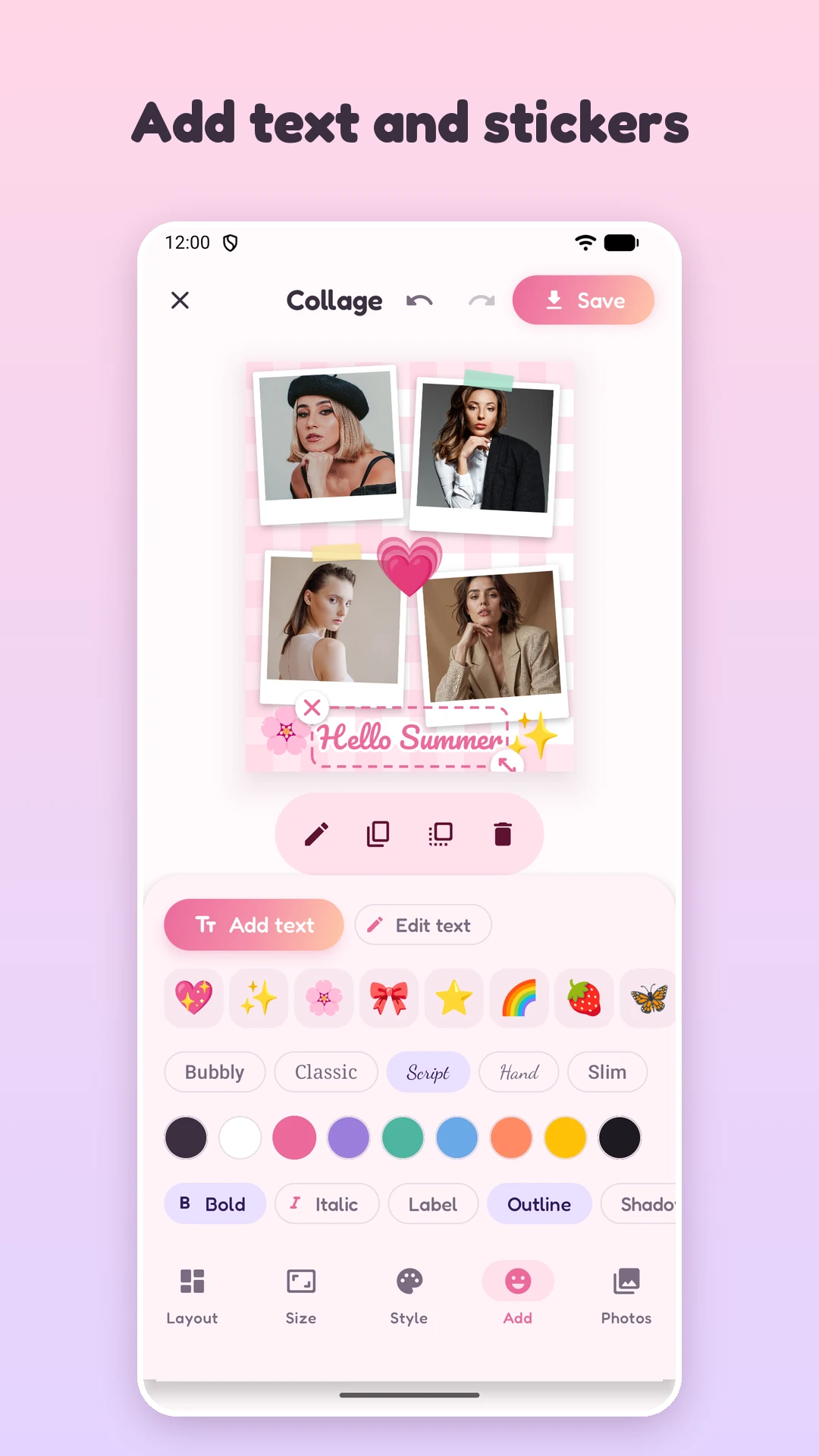
- Backgrounds: 12 solid colors, 6 gradients and 8 patterns such as dots, gingham, hearts, stripes and stars
- Text: five fonts, with color, bold, italic, label background, outline and shadow
- Emoji stickers: rotate, scale, duplicate and bring to front
- One slider each for spacing and corner radius, and a one-tap switch between Fill and Fit
The right size for where it goes
PicQuilt has 11 canvas presets, labeled with where they fit: portrait 4:5 for Instagram, square 1:1, vertical 9:16 for Stories and Reels, 2:3 for Pinterest, 16:9 for YouTube, a 1.91:1 banner for Facebook and LinkedIn, plus phone wallpaper, 4:3 and 3:2 photo ratios and A4 for printing. Choose a size and the layout adapts.
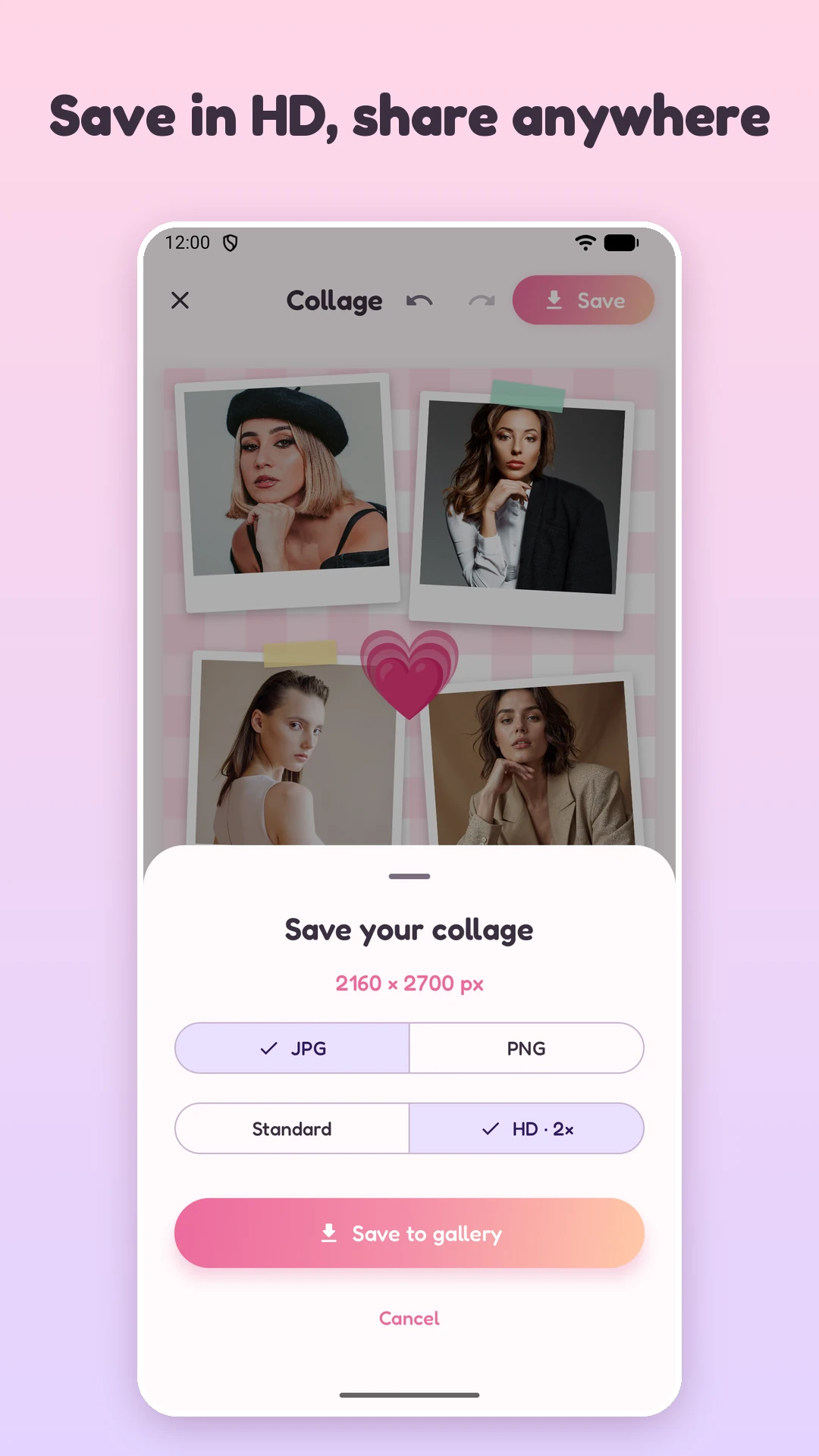
The preview, the template thumbnails and the saved image all come from the same renderer, so what you see is what you get. Export as JPG or PNG, at standard or high quality (2x). Images are saved to a PicQuilt album in your gallery and can be shared in one tap.
Your photos stay yours
All photo processing happens on your phone. Photos are not uploaded. Saving to the gallery does not need storage permission, because PicQuilt uses the system photo picker and can only read the photos you choose. There is no account and no sign-in.
Get the APK from the PicQuilt page; on a desktop browser the download button shows a QR code you can scan with your phone. If you mostly work on a PC, look at Picture Merge Genius for Windows.