
New · Android version 1.0 · iOS version coming later

Batch Watermark Creator for Android Add date, place and logo watermarks to many phone photos at once

Pick a batch of photos and tap a template: each one gets its own capture time, place, signature or camera settings. Add an info frame or a logo, then resize, rename and export them all in one go.

Free No ads No sign-up

For Android phones and tablets. If Android warns about unknown sources, allow this one install in your settings.

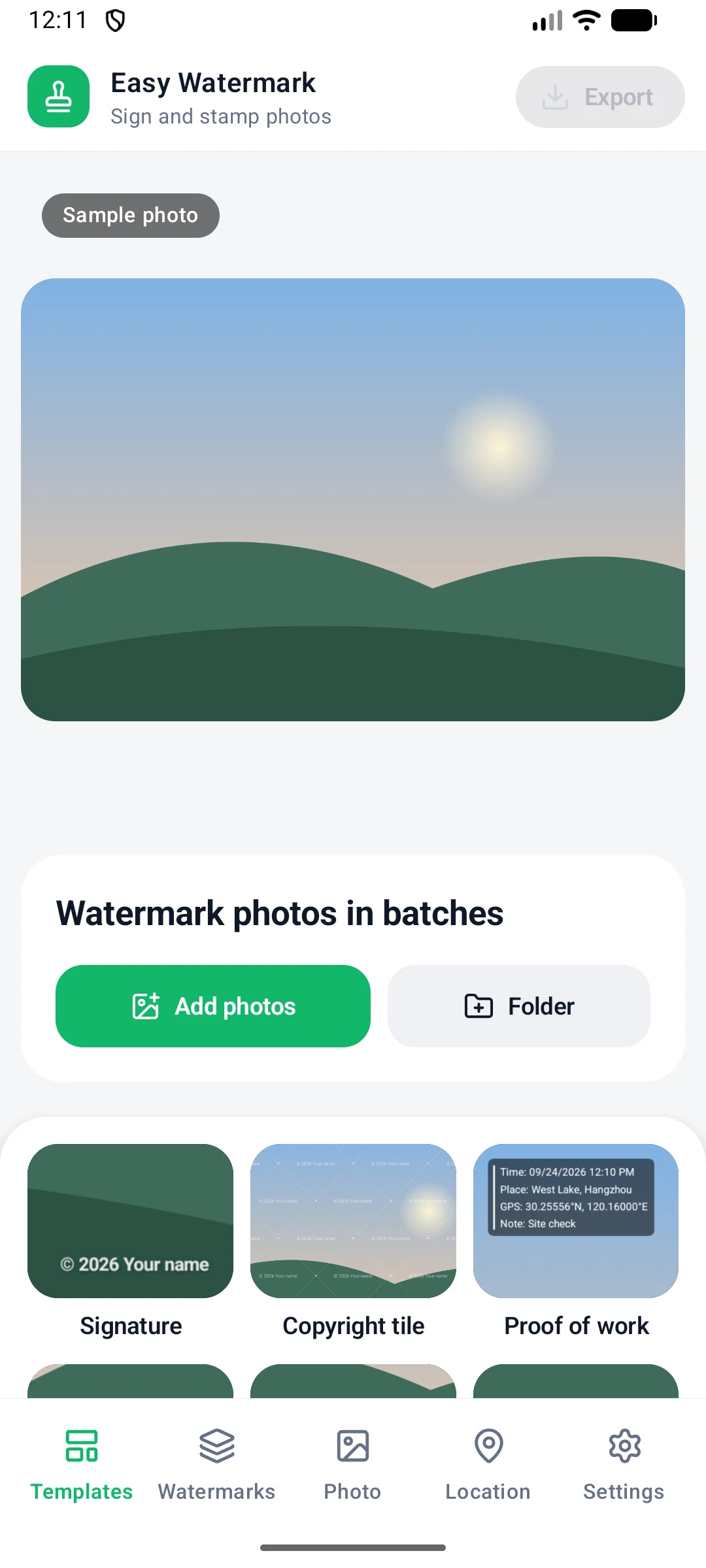
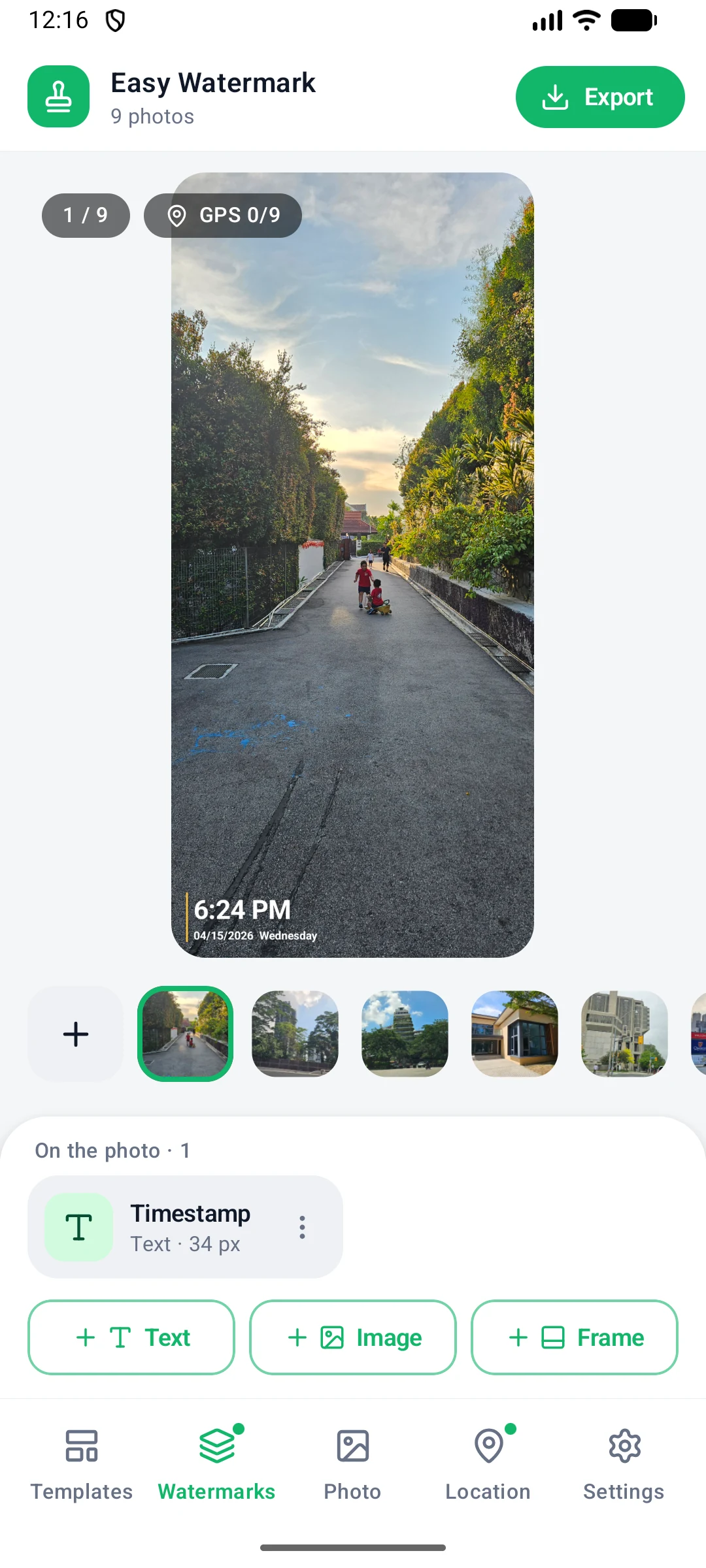
Home screen of the Android app before any photos are added
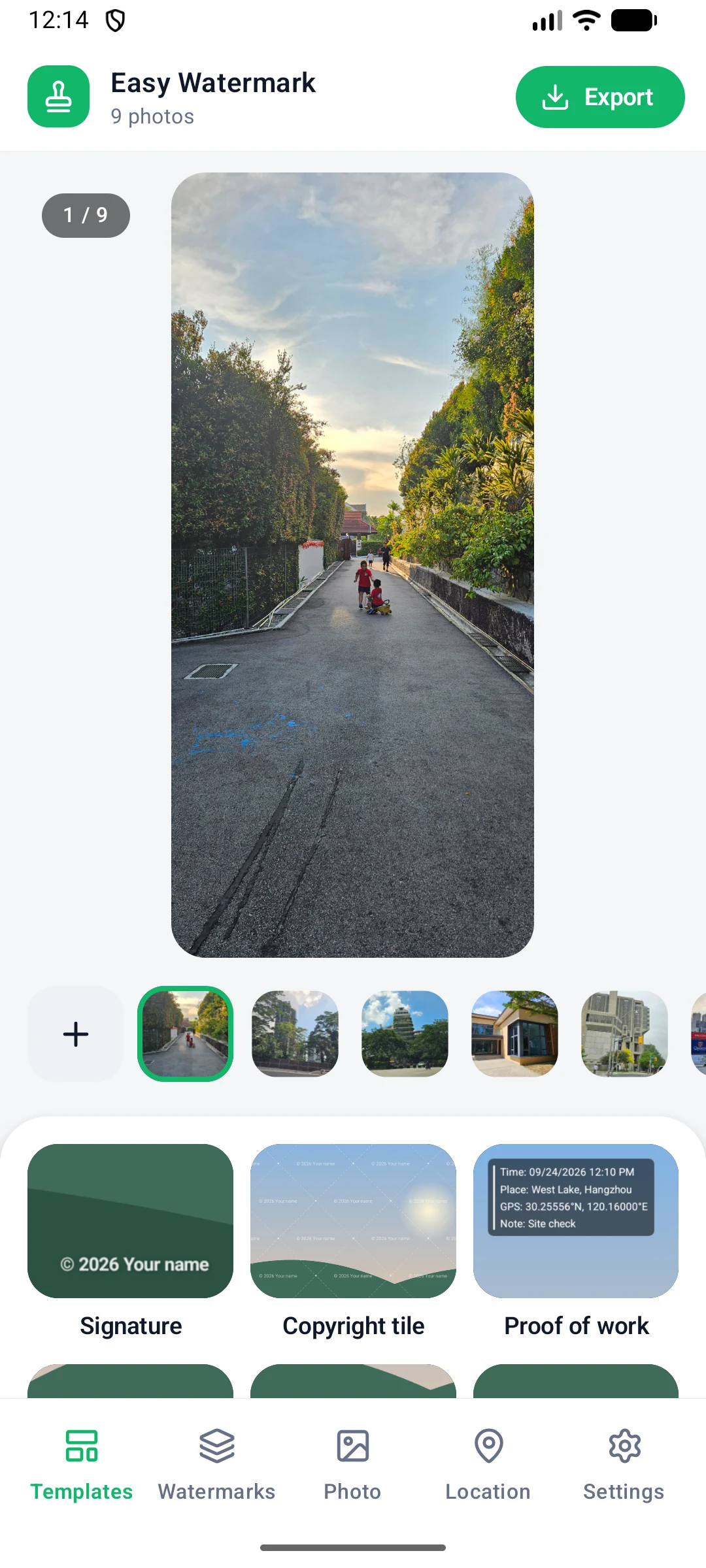
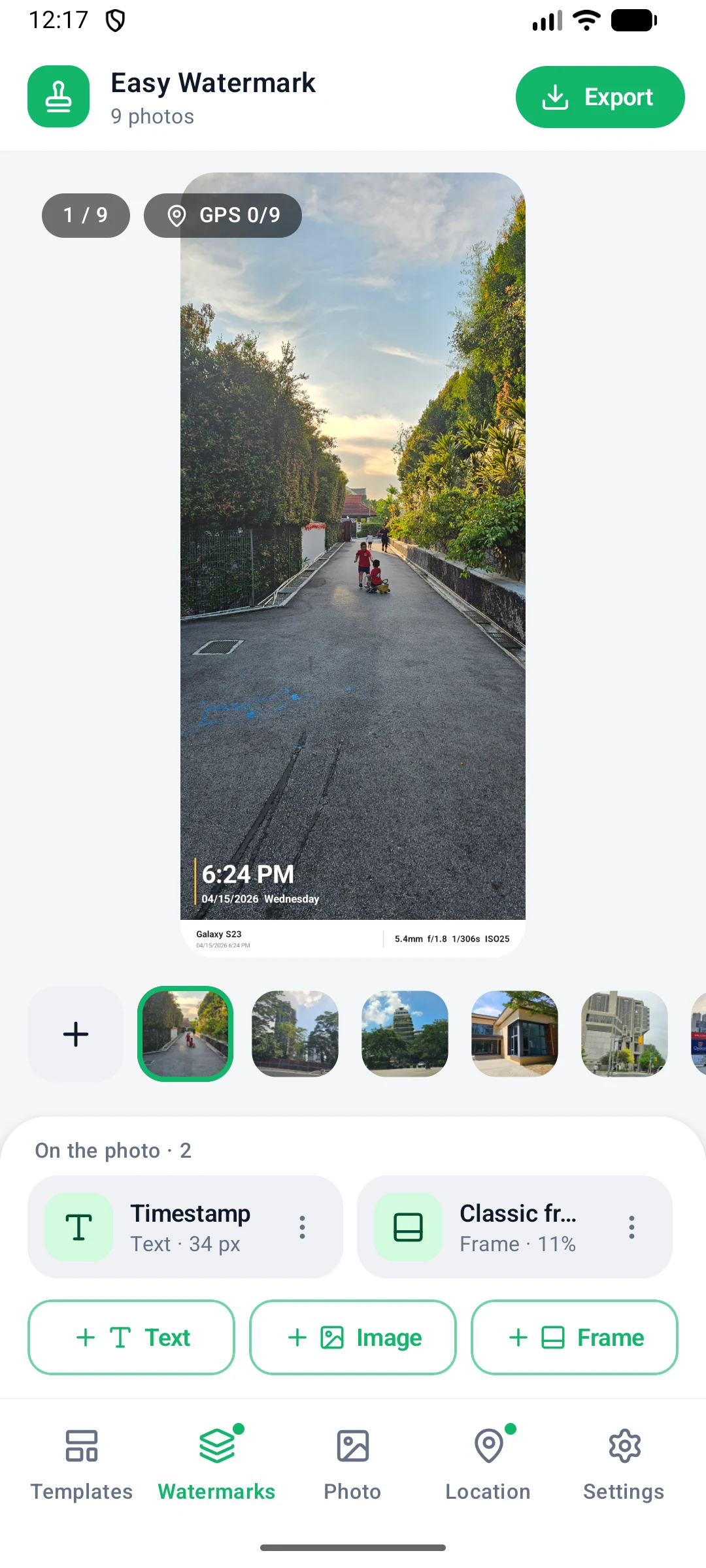
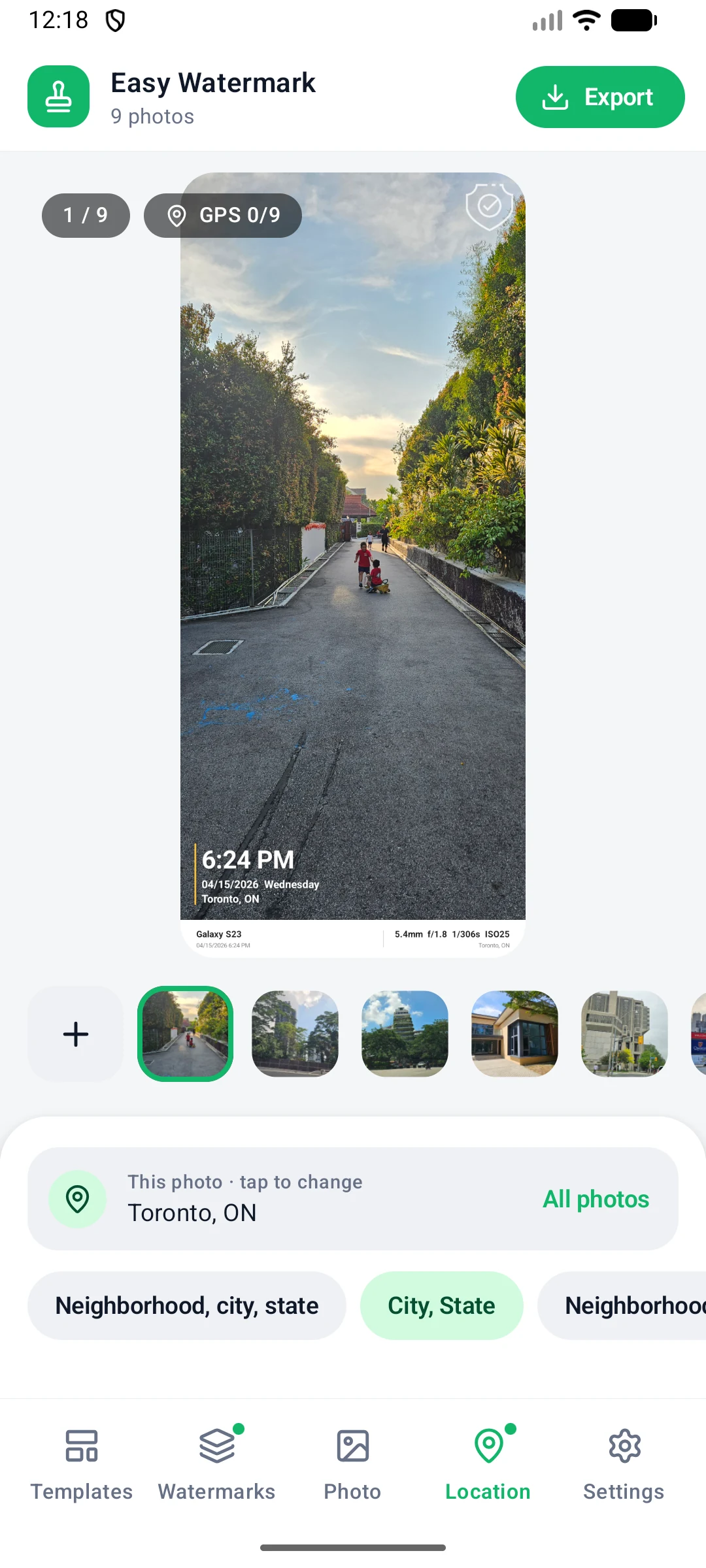
Home screen with photos added and a template watermark previewed

Three steps to a finished photo

Add photos, tap a template, export. Results are saved to the Pictures/Watermark album by default, so they appear in your gallery right away.

1

Add photos

Pick several photos from your albums or files, or import a whole folder at once.

2

Tap a template

Tap one under Templates and the watermark is applied to every photo. The editor opens so you can fine-tune it.

3

Export in a batch

Tap Export at the top right, check the format and folder, then tap Export N photos.

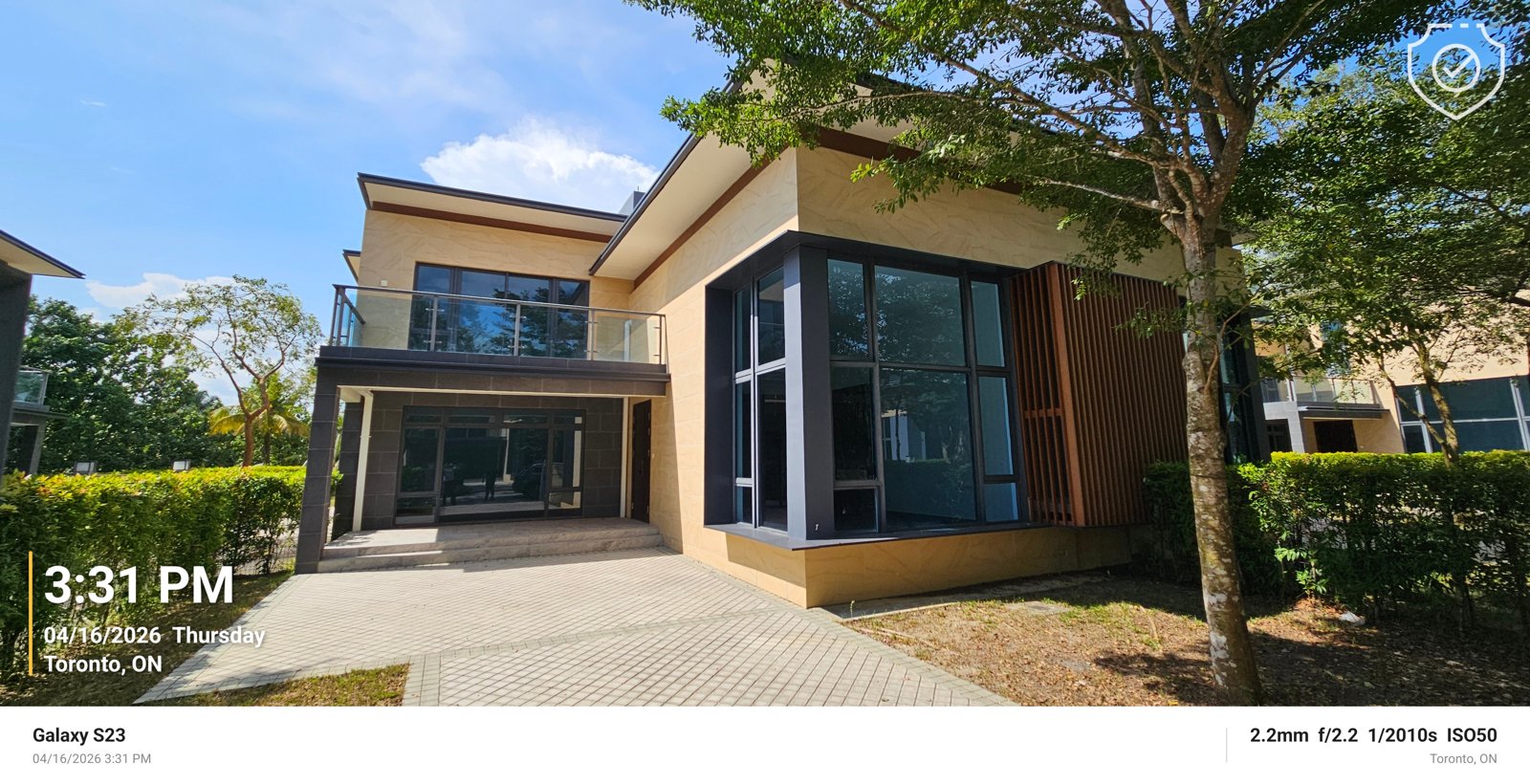
Exported photo with the Timestamp watermark at bottom left, a logo at top right and a Classic frame info bar underneath
An exported photo: the Timestamp watermark at bottom left, a logo at top right and the Classic frame info bar underneath
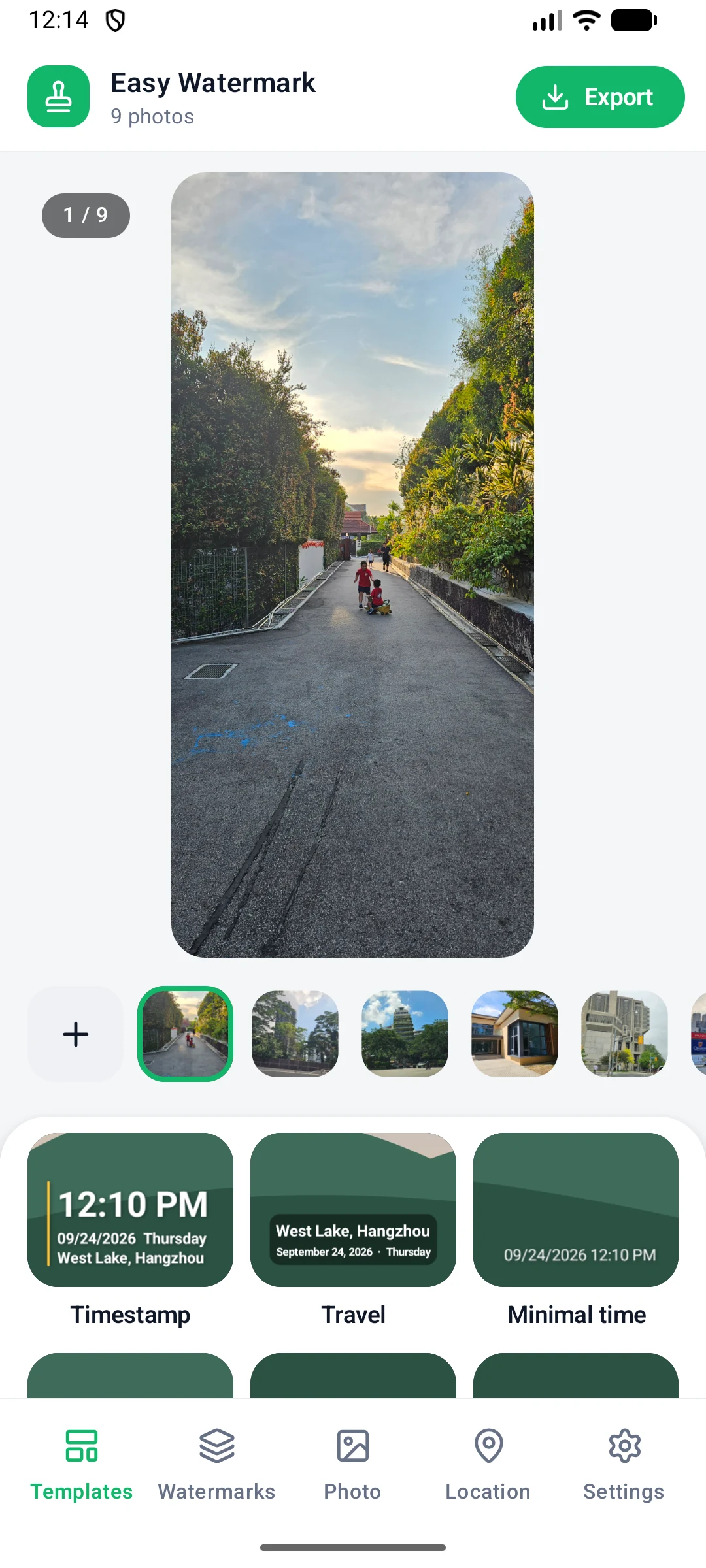
The 11 watermark templates in the Android app

Templates

11 templates, one tap each

Templates build the watermark from each photo's capture time, date and location, so every photo in a batch shows its own details.

Timestamp·Big time, plus date, weekday and place

Travel·Place and date on a soft label

City stamp·City name as a centered title

Film date·Orange date like an old film camera

Proof of work·Time, address and GPS coordinates

Minimal time·Just the capture date and time

Camera info·Camera model and shooting settings

Classic frame·White info bar under the photo

Dark frame·Black bar with place and time

Signature·Copyright sign, year and your name in a corner

Copyright tile·A faint copyright sign repeated across the photo

Text watermarks you can fine-tune

A live preview on top, tools at the bottom. Drag the watermark in the preview to move it, and undo or redo any change.

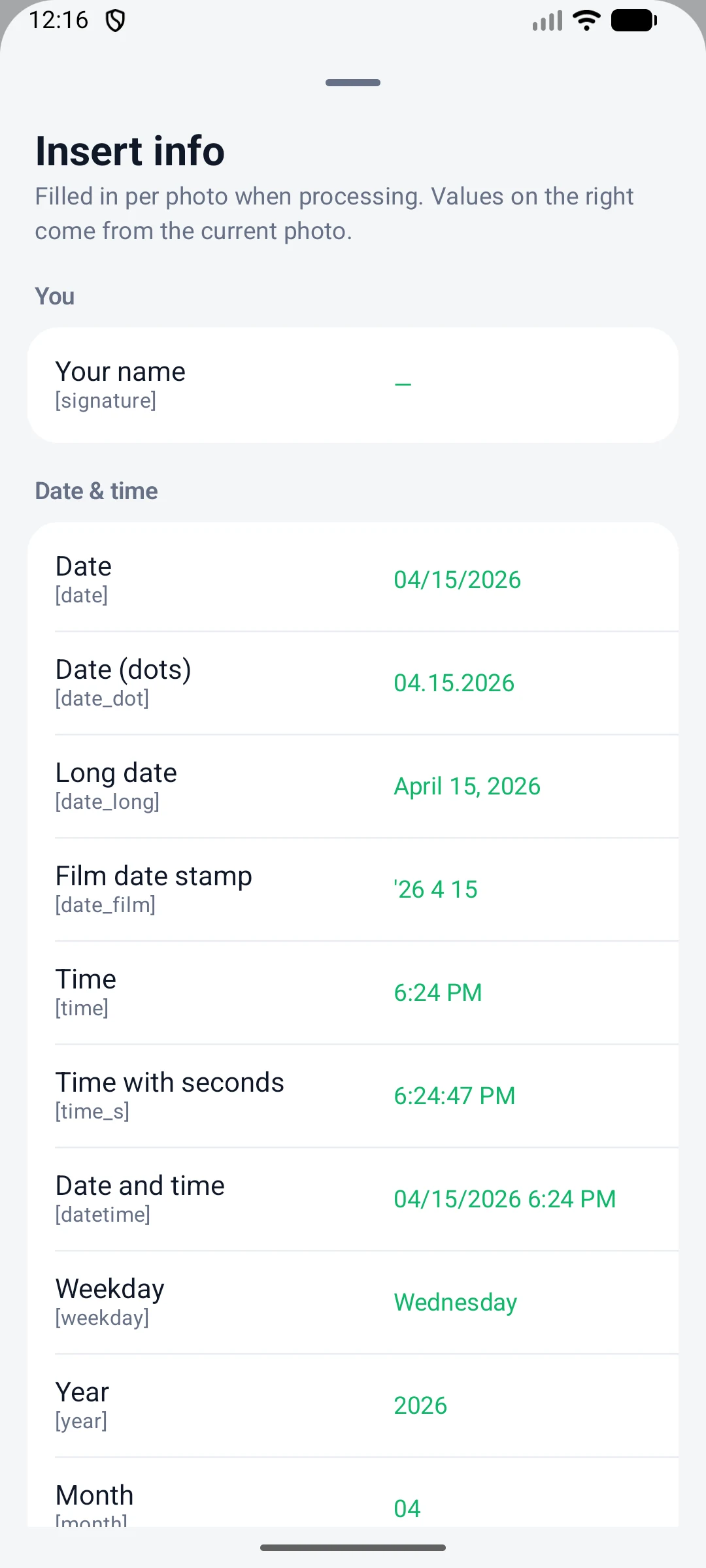
Insert info list with date, location, camera EXIF and file name fields
Insert info: date, location, camera EXIF, file name and more
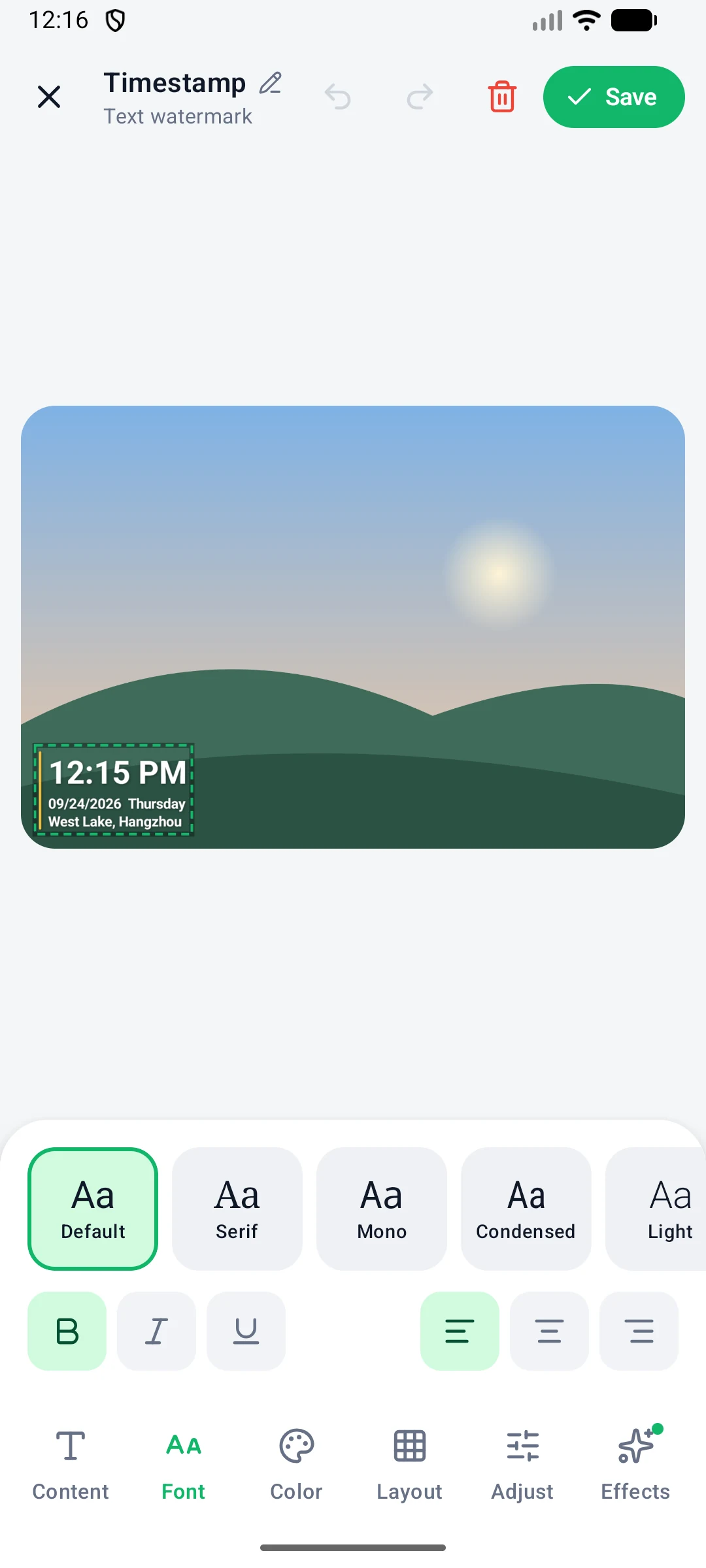
Font tab with built-in fonts and the import font button
Font: several built-in fonts, or import your own
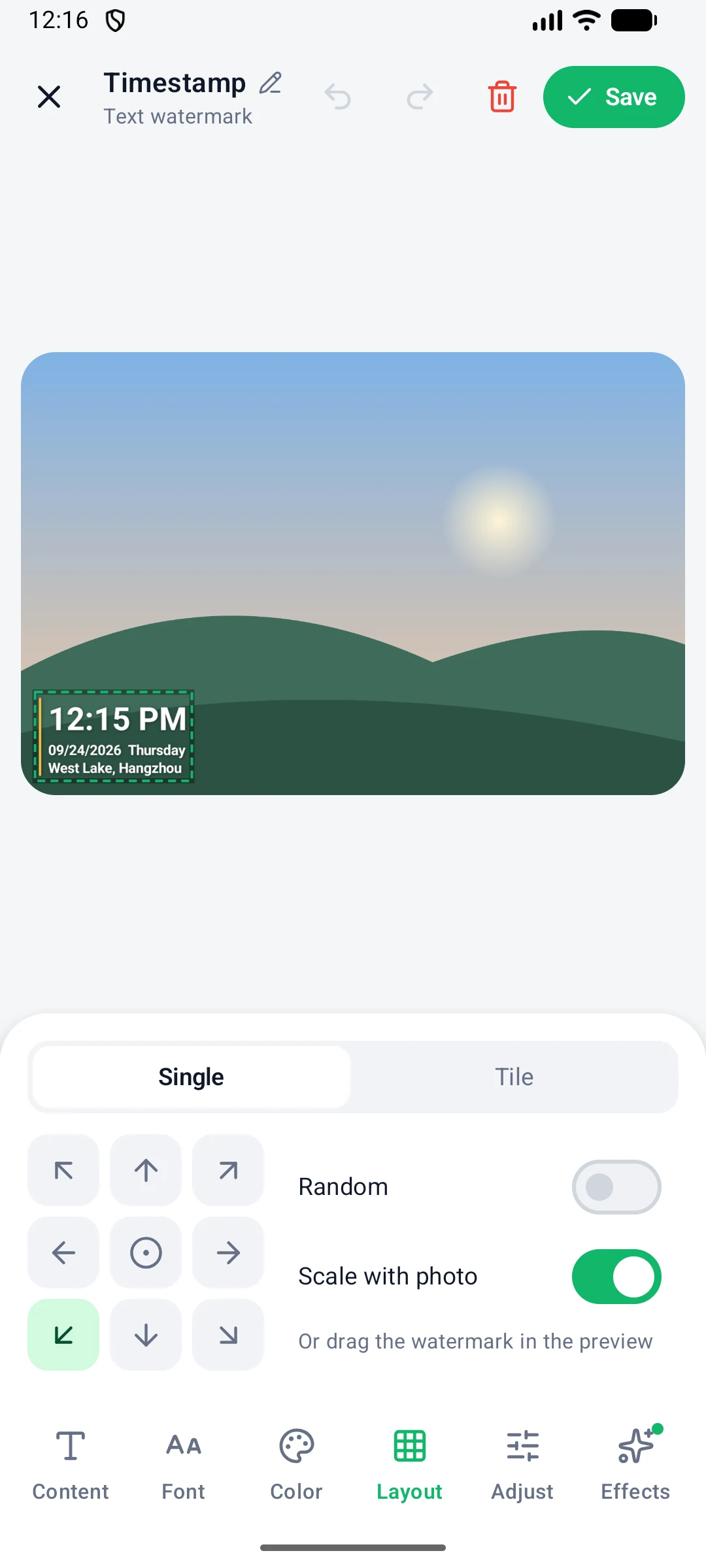
Layout tab with the 3 by 3 position grid, Random and Scale with photo options
Layout: 3 x 3 grid, random position, scale with photo
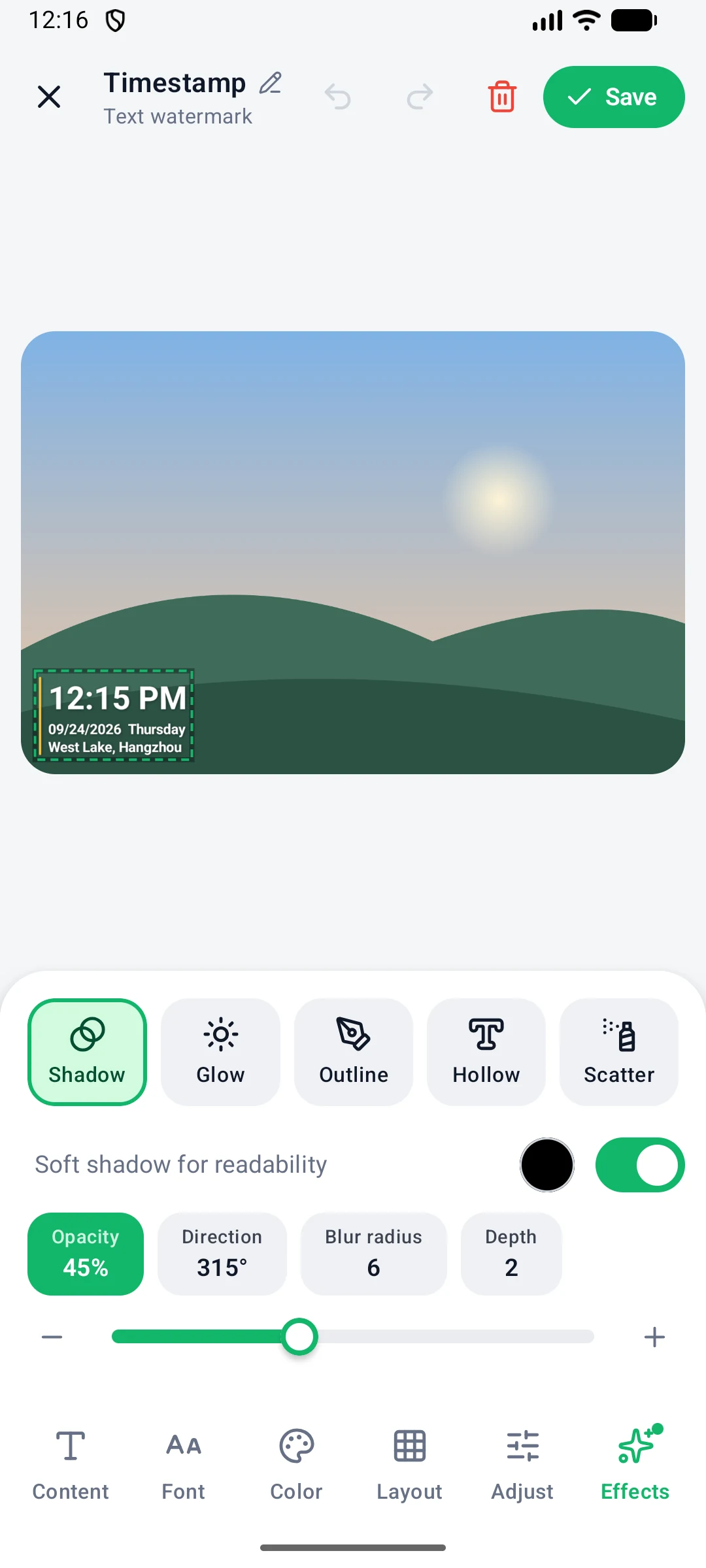
Effects tab with shadow, glow, outline, hollow and scatter
Effects: shadow, glow, outline, hollow, scatter

Info frames, logos and layers

An info frame adds a bar under the photo, like the frames camera makers use. Its title and subtitle can show the camera model, shooting settings and place. One photo can carry a timestamp, a logo and a frame at the same time.

Photo preview with a Classic info frame under it
Info frame: a bar under the photo
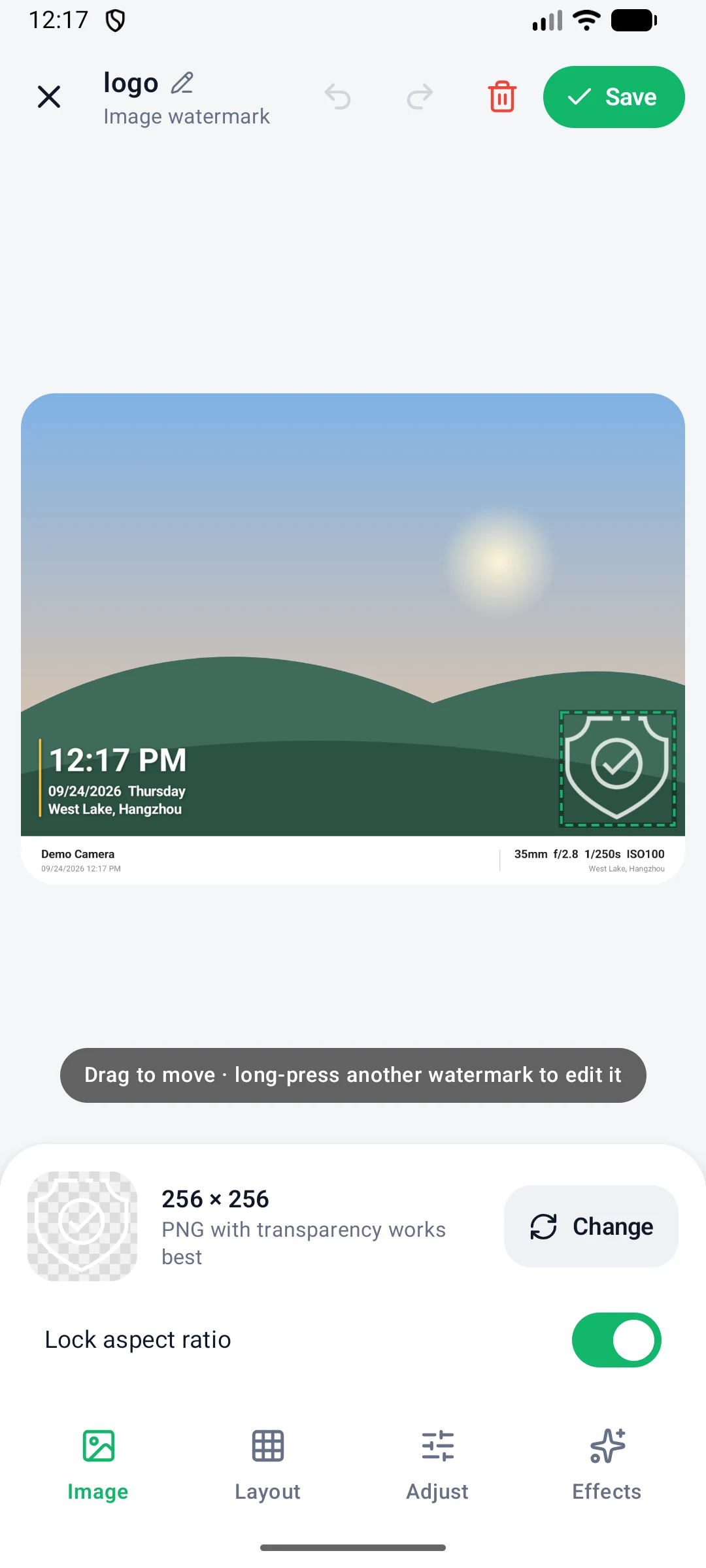
Image watermark editor for adding a logo
Logo watermark: a transparent PNG works best
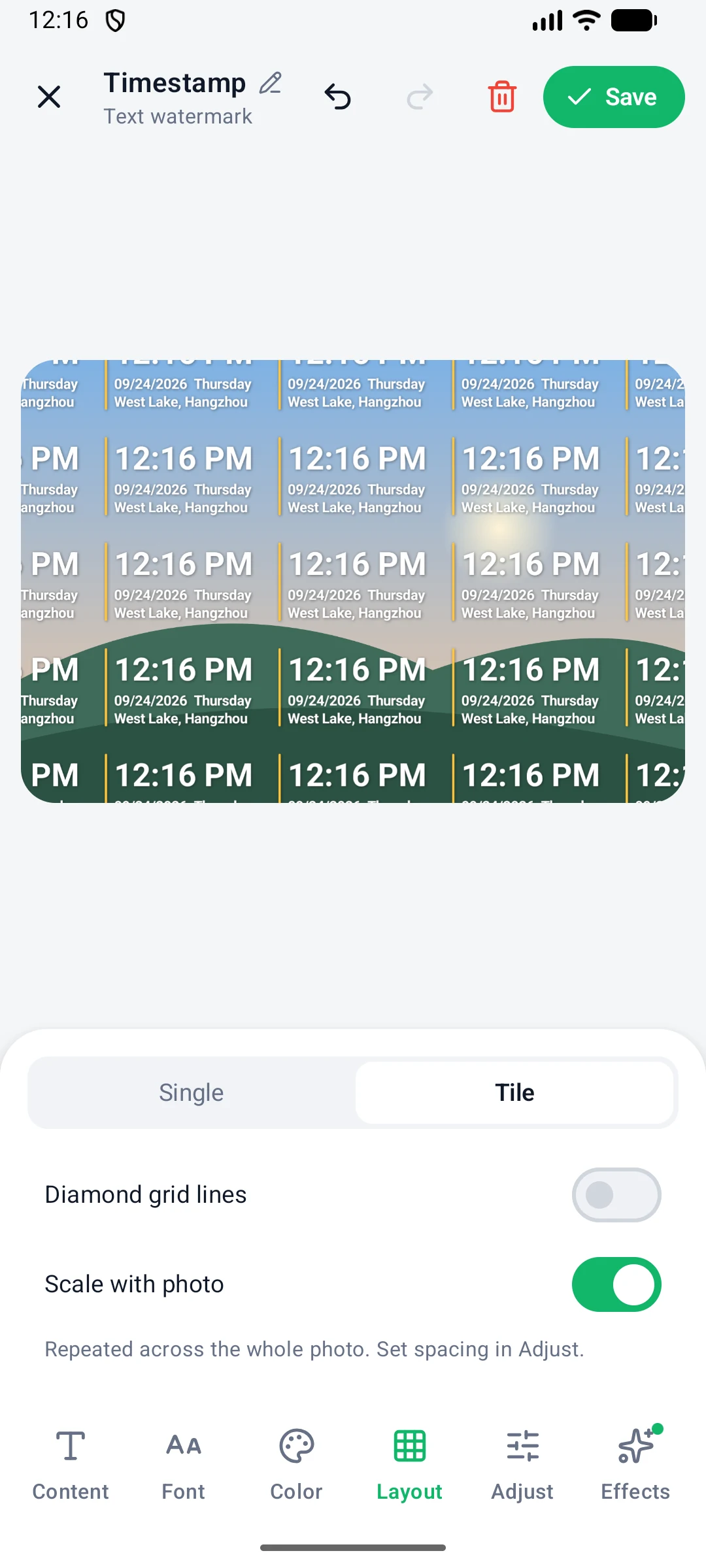
Tile layout repeating the watermark across a photo
Tile: repeat the watermark over the whole photo
Watermarks page listing several layers
Layers: hide, duplicate, delete, reorder
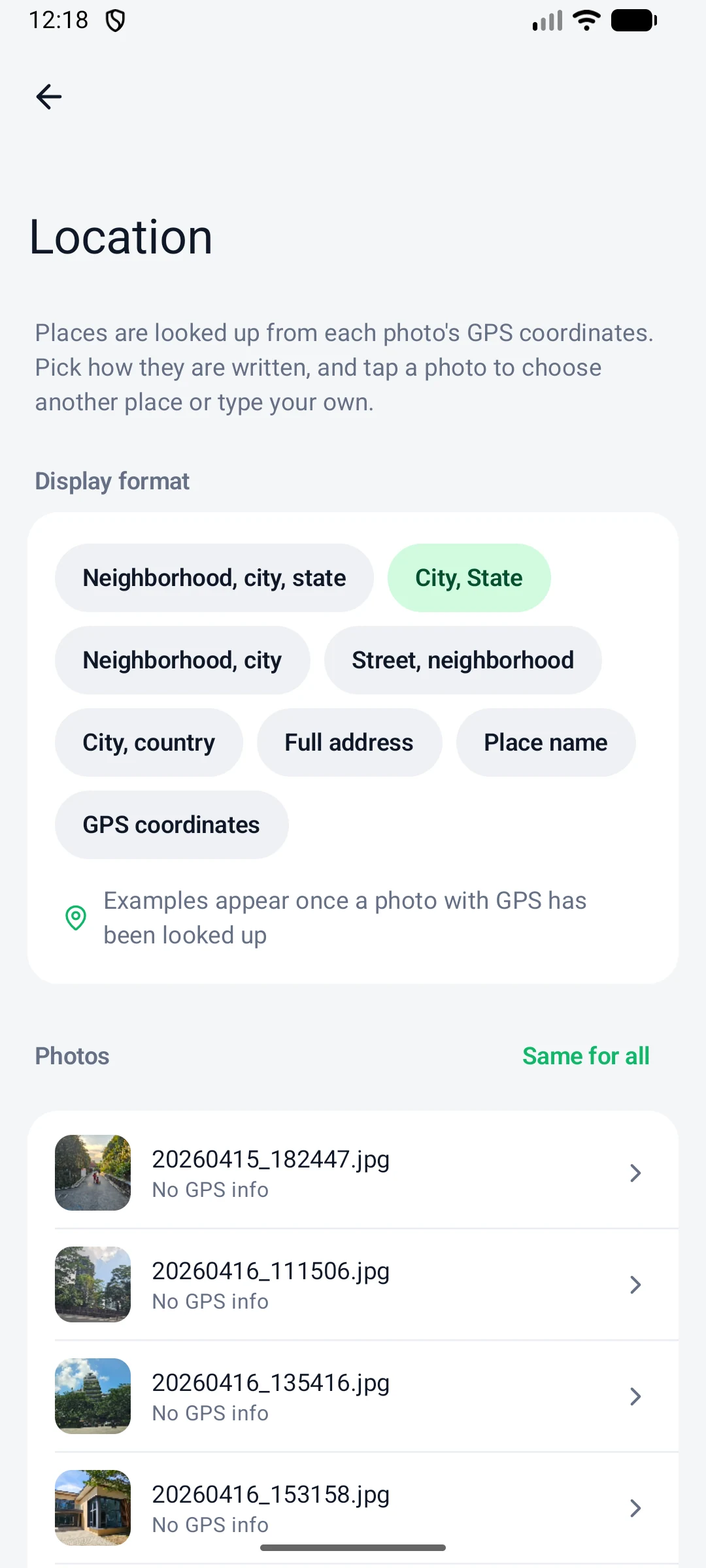
Location page showing the place of the current photo and the display formats
Location screen listing the place for each photo

Location

Places filled in from GPS

The app looks up a place name from each photo's GPS coordinates and uses it for the location, city and street fields. You can pick a nearby place or type your own for any photo.

  • 8 display formats, from neighborhood and city to full address, place name or GPS coordinates
  • Photos without GPS data can all get the same place with Same for all, or one by one
  • For automatic places, add photos with From files; Android removes GPS data from photos picked from albums

Batch export with resize and rename

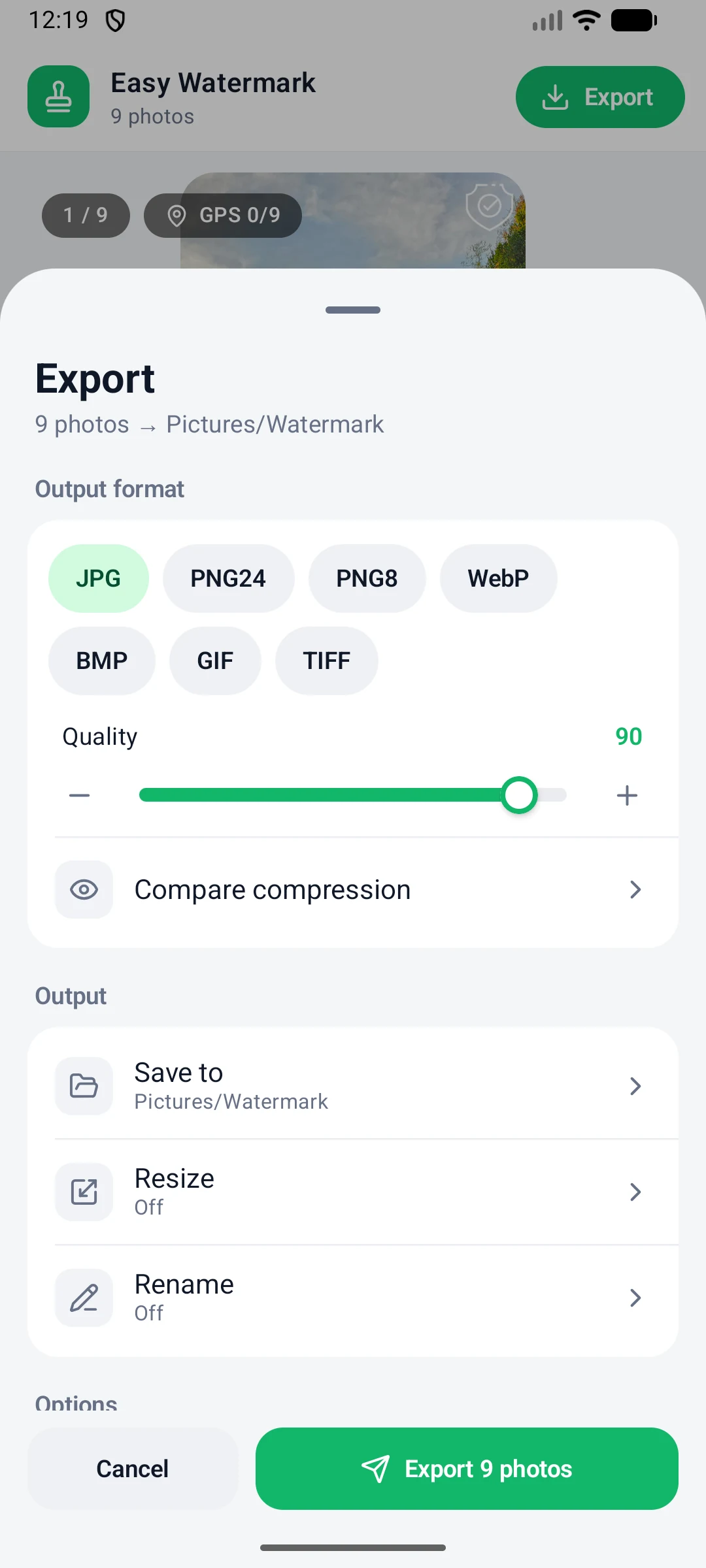
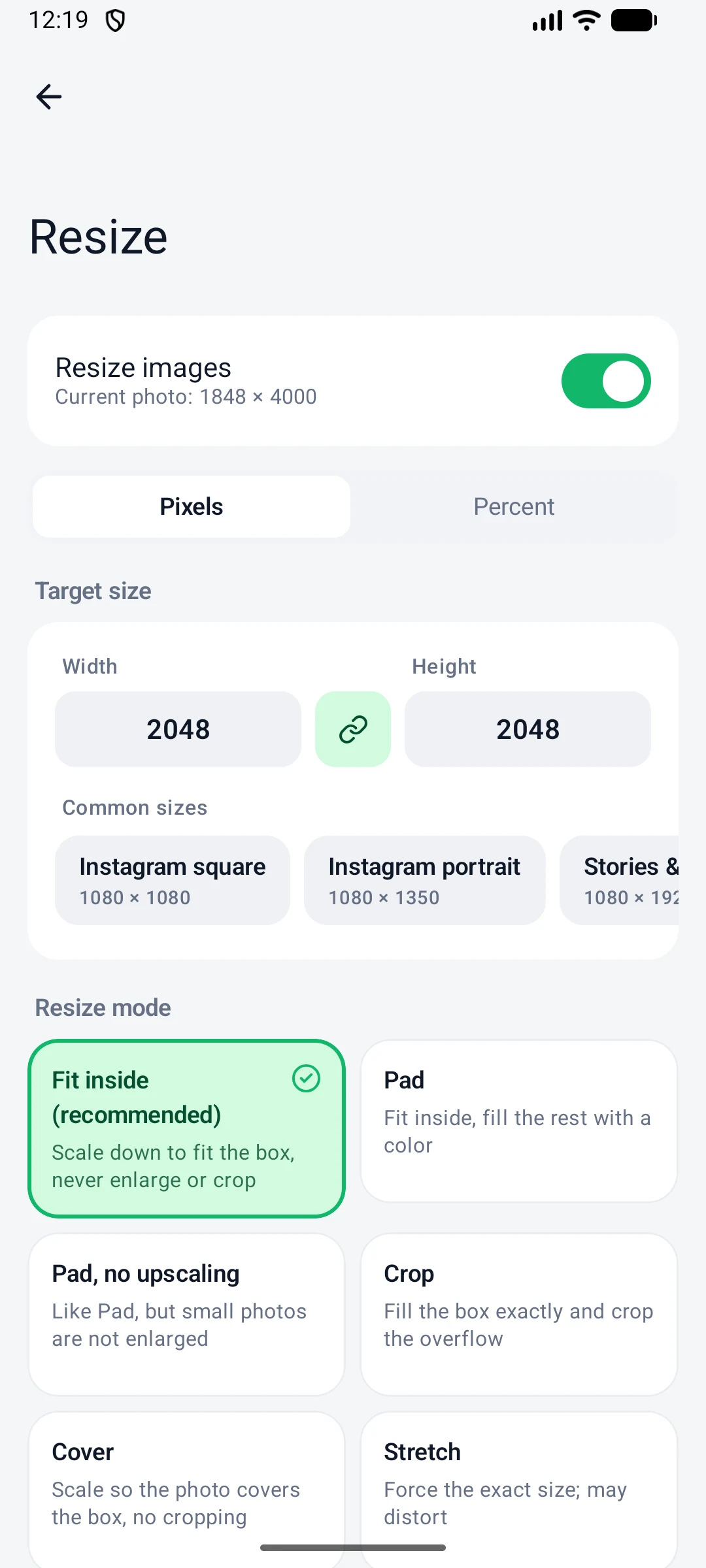
Export to JPG, PNG24, PNG8, WebP, BMP, GIF or TIFF. Pick a common size such as Instagram, Stories and Reels, Facebook, X, eBay or Etsy with one tap, and rename files by serial number or date.

Export settings with output format, quality and save location
Export: format, quality, save location
Resize screen with pixel and percent modes and common sizes
Resize: pixels or percent, plus common sizes
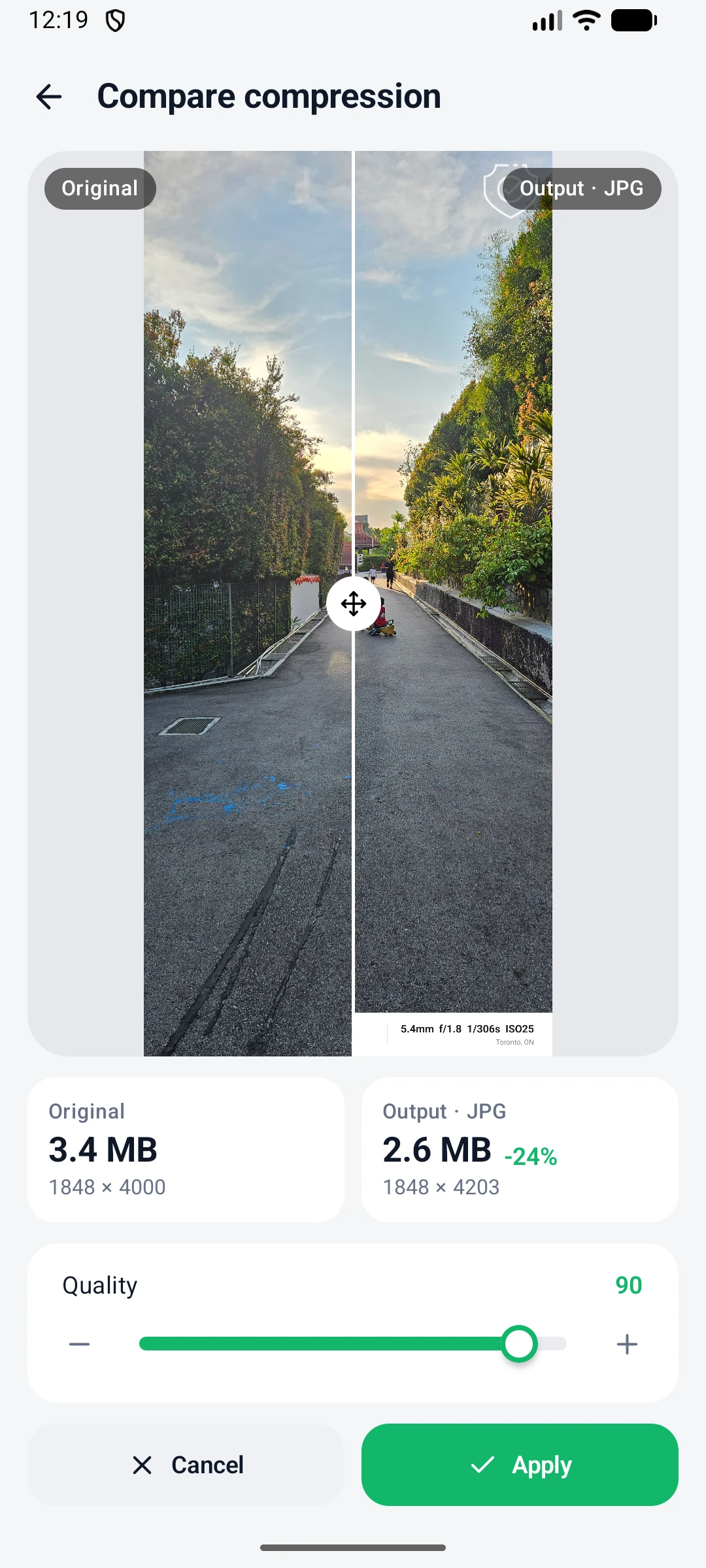
Compare compression screen showing original and output side by side
Compare compression: quality and file size
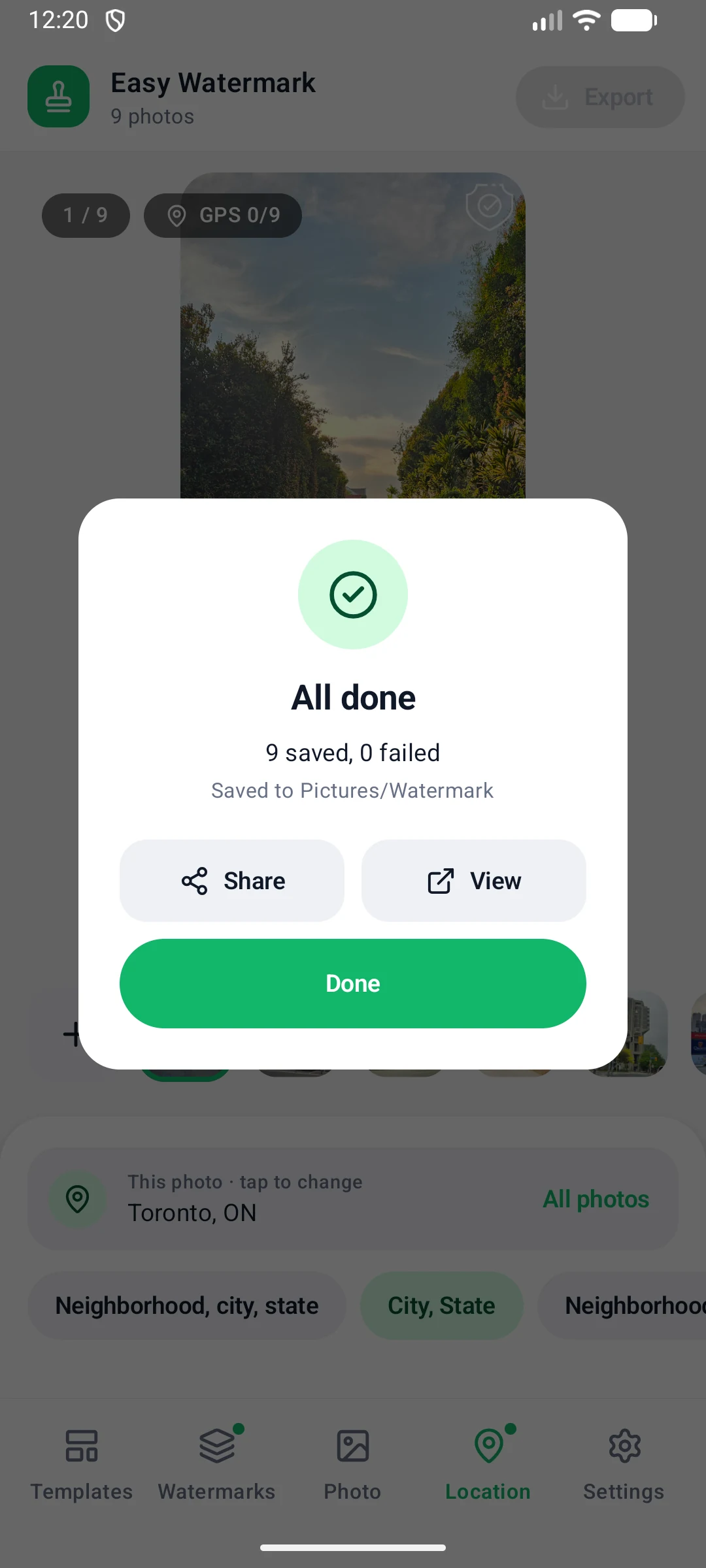
Processing finished dialog with saved and failed counts
One bad file never stops the batch

Keep original date·Your gallery still sorts by capture date

Remove EXIF·Strips location and camera data

Recent exports·Use these settings again in one tap

Android app FAQ

For the full walkthrough with screenshots, read the Android user guide.

Is the app really free? Are there ads?

Yes. Batch Watermark Creator for Android is free, has no ads and needs no account or sign-up. Every feature is available as soon as you install it.

How do I install it? It is not on Google Play.

Download the APK on your phone and open it. If Android asks, allow your browser or file manager to install unknown apps for this one install. On a computer, scan the QR code that appears when you click the download button to open the link on your phone.

Why is the place in my watermark empty?

The photo has no GPS data. Android removes the location from photos picked with From albums, so add them with From files instead, or type the place under Location, All photos, Same for all.

The watermark looks bigger on some photos than on others.

Turn on Scale with photo under the watermark layout. The watermark then scales with the short side of each photo, so it keeps the same relative size on large and small photos.

The exported photo is taller than the size I set.

An info frame is added under the photo, so the output is taller by the height of the bar.

Are my original photos changed?

No. Every export is a new file and the originals stay as they are. A file can only be replaced if Overwrite existing files is on and a file with the same name already exists in the output folder.

Where are my exported photos? Is there an iOS version?

By default they are in the Pictures/Watermark album of your gallery, and you can tap View when processing finishes. An iOS version is planned for later.

Download Batch Watermark Creator for Android

Free, no ads, no sign-up. Version 1.0, 8.0 MB. Need to process large batches on a PC? Try the Windows version.

Download for Android (APK)

Open the downloaded file on your phone to install it. If Android asks, allow your browser or file manager to install unknown apps for this one install.