Skip to content
Download

Free download

Every download is the complete program, not a cut-down demo. Pick a product, install it and try every feature before you buy - and the RetroScreen classics and the Batch Watermark Creator Android app are simply free.

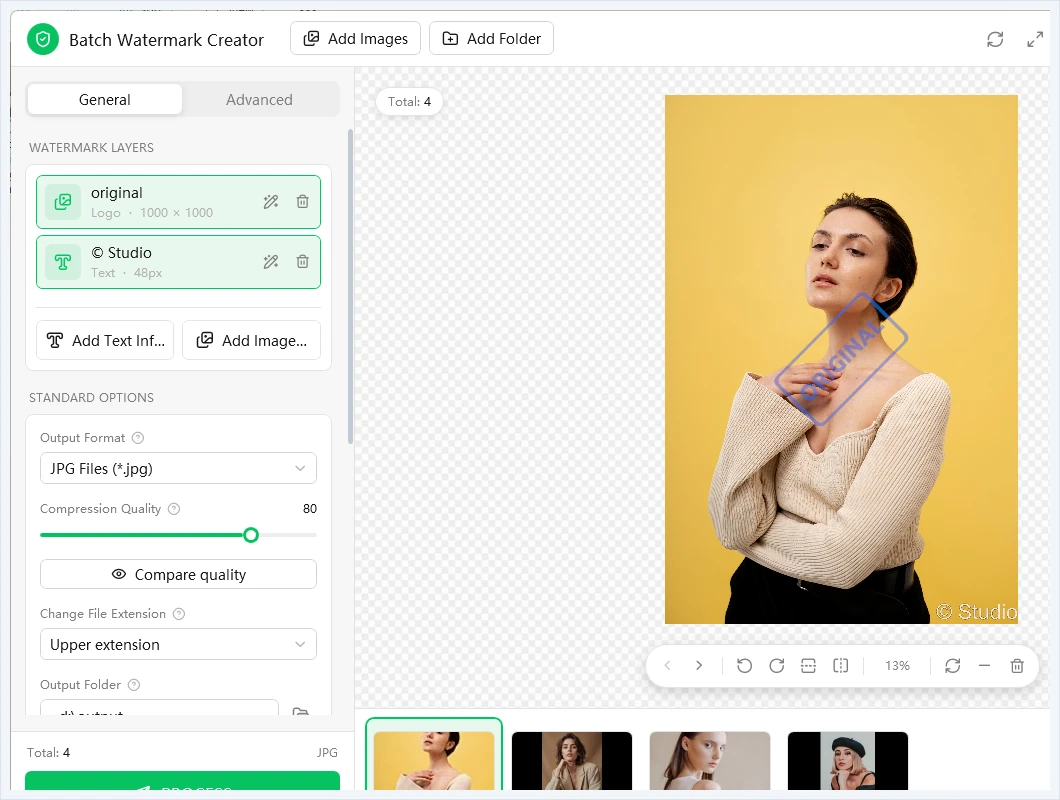
Batch Watermark Creator interface

Batch Watermark Creator

The current release is version 9.0. It is the complete program: evaluate every feature, then unlock it with a license key — no second download needed.

Size
3.2 MB
Language
English, Chinese, French, Spanish
Runs on
Windows 7, 8, 10 and 11

watermark-setup.en.v9.0.exe

Windows installer · 3.2 MB · version 9.0

Download now
  • Direct download
  • Cloudflare R2, global CDN
  • Full version, unlocked by your license key
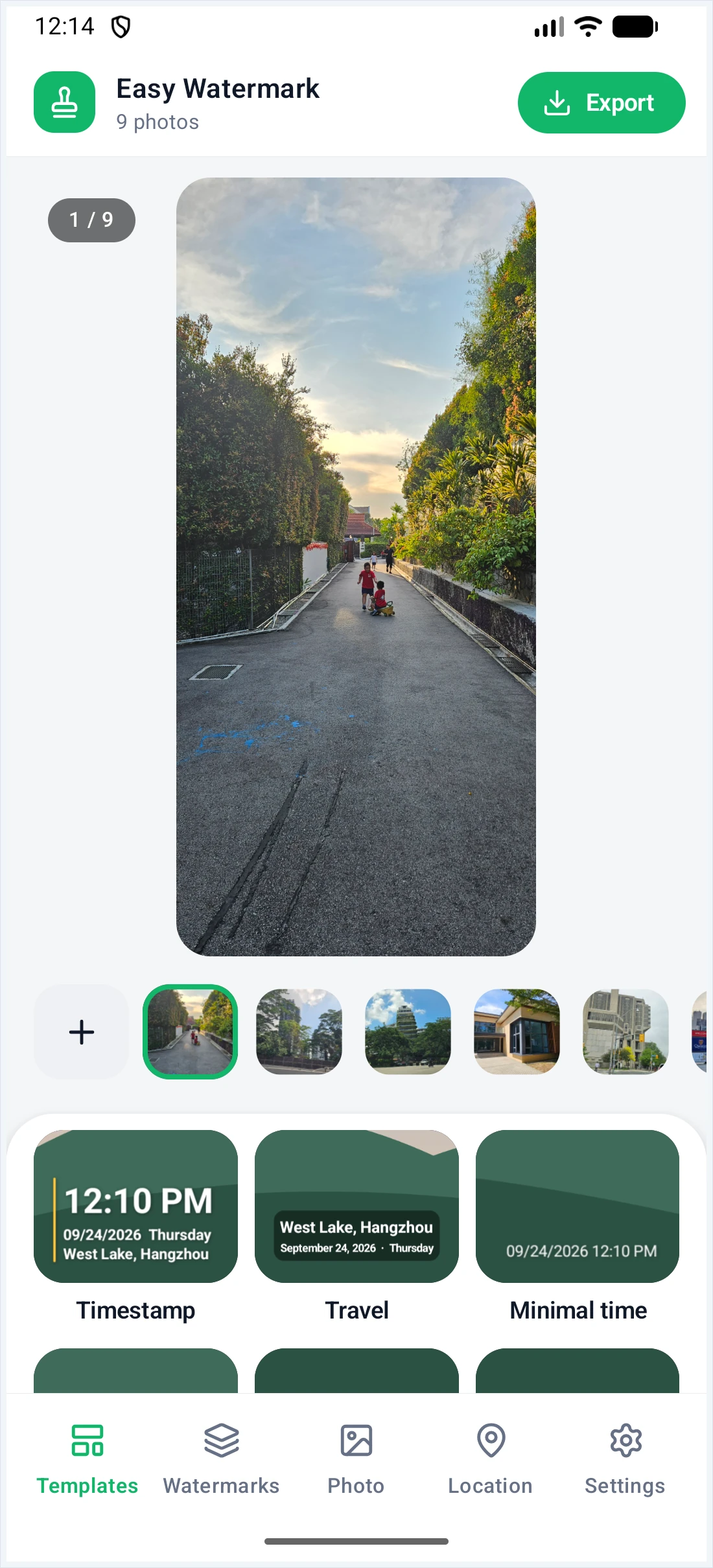
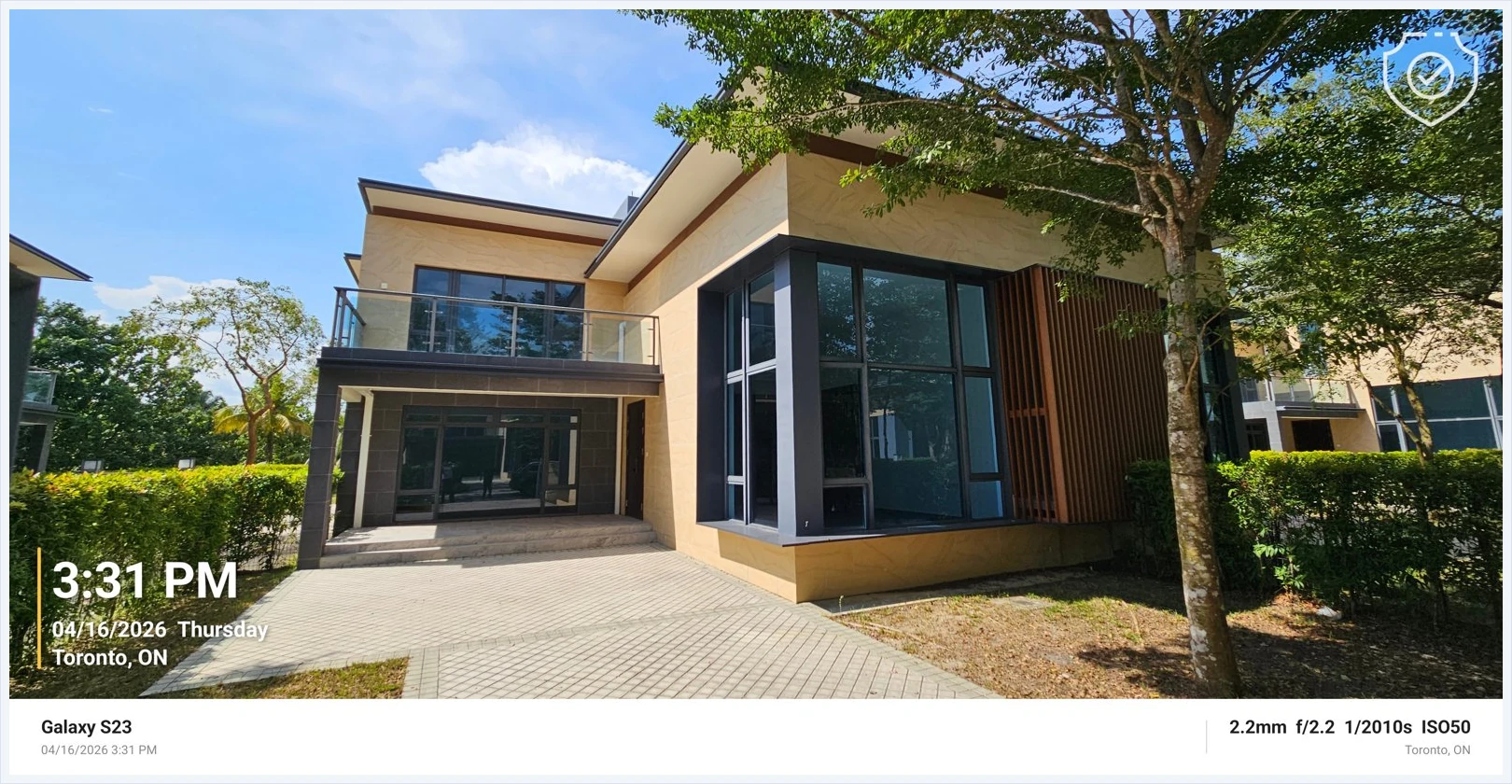
Photo exported by the Android app with a timestamp, a logo and an info frame
Made on the phone: timestamp, logo and info frame.

Batch Watermark Creator for Android

New

Stamp the time, place, your name, camera settings or a logo onto many photos right on your phone, then resize and rename them as they export. Version 1.0 is free, has no ads and needs no sign-up.

Size
8.0 MB
Price
Free, no ads
Runs on
Android phones and tablets

watermark-android-setup.v1.0.apk

Android APK · 8.0 MB · version 1.0

Download APK

Open the downloaded file on your phone to install it. If Android asks, allow your browser or file manager to install unknown apps for this one install. A Google Play listing and an iOS version are on the way.

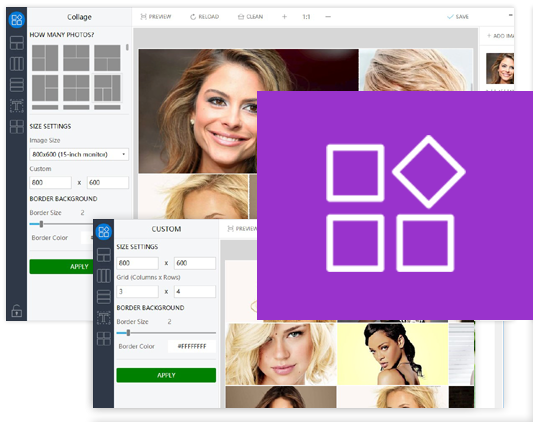
Picture Merge Genius interface

Picture Merge Genius

The current release is version 3.1. It is the complete program: evaluate every feature, then unlock it with a license key — no second download needed.

Size
2.8 MB
Language
English
Runs on
Windows 7, 8, 10 and 11

picture_merge_genius-setup-3.1.exe

Windows installer · 2.8 MB · version 3.1

Download now
  • Direct download
  • Cloudflare R2, global CDN
  • Full version, unlocked by your license key
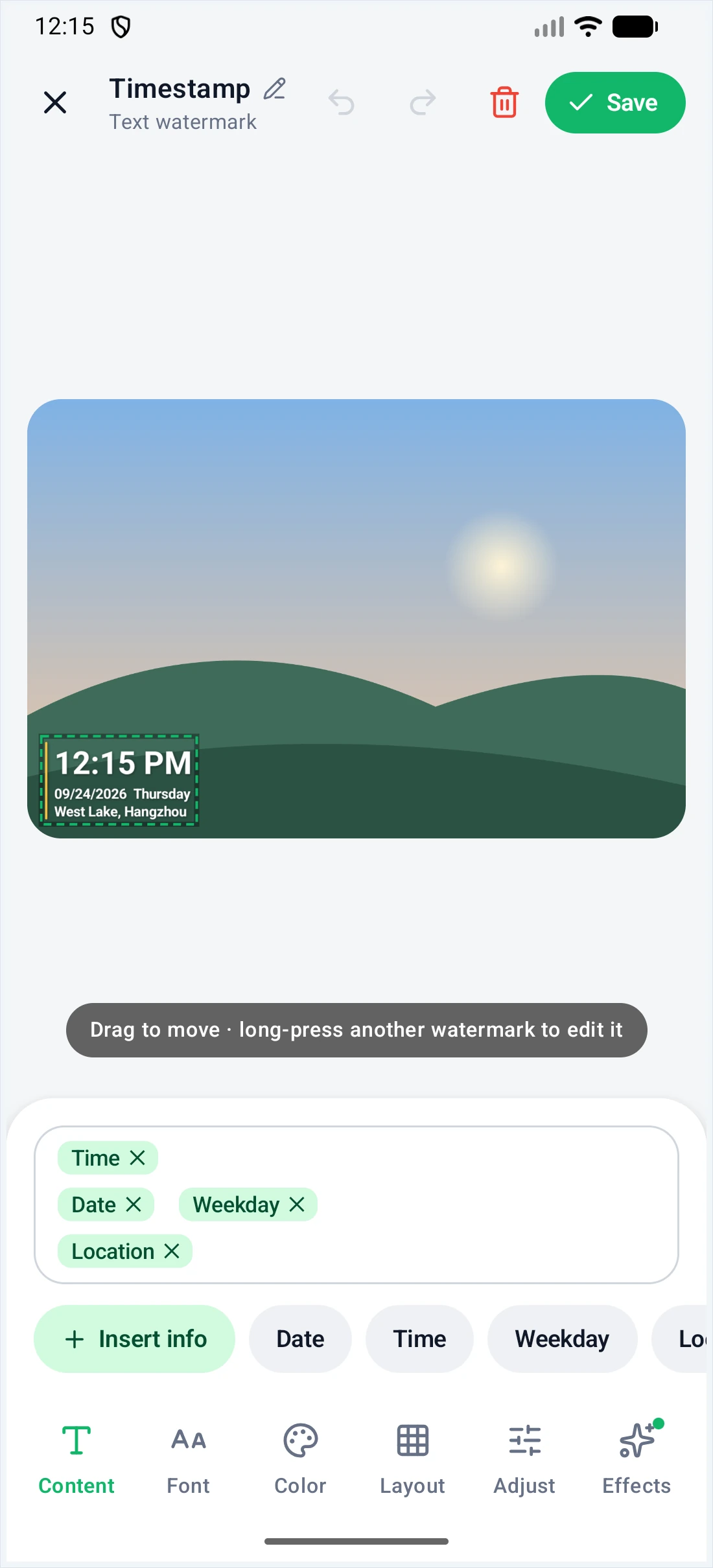
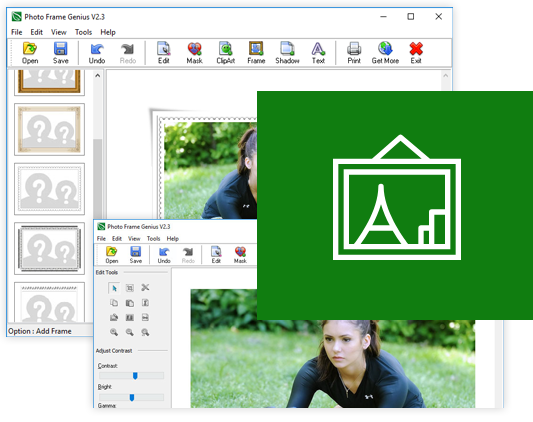
Photo Frame Genius interface

Photo Frame Genius

The current release is version 2.3. It is the complete program: evaluate every feature, then unlock it with a license key — no second download needed.

Size
930 KB
Language
English
Runs on
Windows XP, Vista, 7, 8, 10 and 11

PhotoFrameGenius.exe

Windows installer · 930 KB · version 2.3

Download now
  • Direct download
  • Cloudflare R2, global CDN
  • Full version, unlocked by your license key
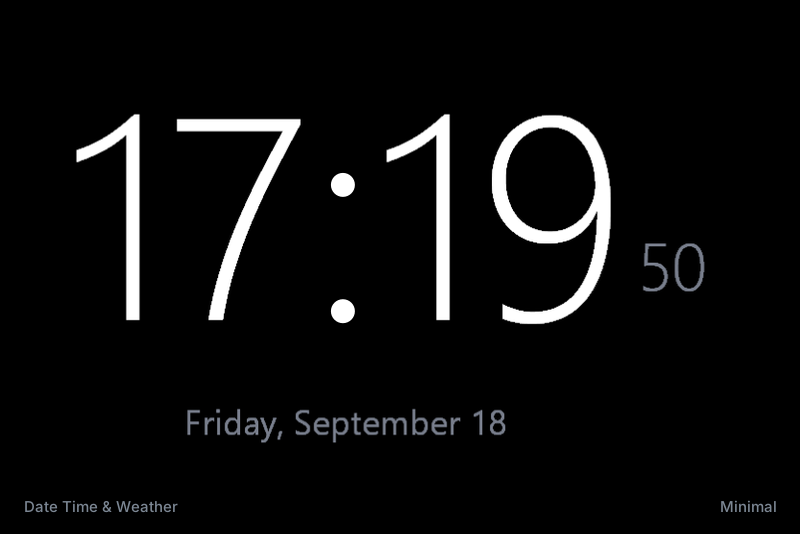
RetroScreen interface

RetroScreen

The current release is version 1.0. This is the free Classic Collection — the Premium Pack (Text Effects and Date Time & Weather) is a separate installer whose link is e-mailed to you after purchase.

Size
3.2 MB
Language
English
Runs on
Windows 10 and 11, 64-bit

RetroScreen_Classic_Setup.exe

Windows installer · 3.2 MB · version 1.0

Download now
  • Classic Collection, free
  • Cloudflare R2, global CDN
  • Free, no license key needed
Before you start

System requirements

The image tools run on Windows 7, 8, 10 and 11, as well as Windows Server 2008 and newer, and you do not need administrator rights to try them. RetroScreen needs Windows 10 or 11 (64-bit) with a DirectX 12-capable GPU.

Processor
Pentium 1.5 GHz or faster
Memory
1 GB RAM minimum
Free disk space
10 GB for large batches
Display
1024 x 768 or higher

Try everything first

The download is the full program, not a cut-down demo. Evaluate it for as long as you need — a license key unlocks it later without reinstalling.

See pricing
Need a hand?

Trouble downloading or installing?

If the download is unreachable from your network, write to us and we will e-mail you the installer directly.