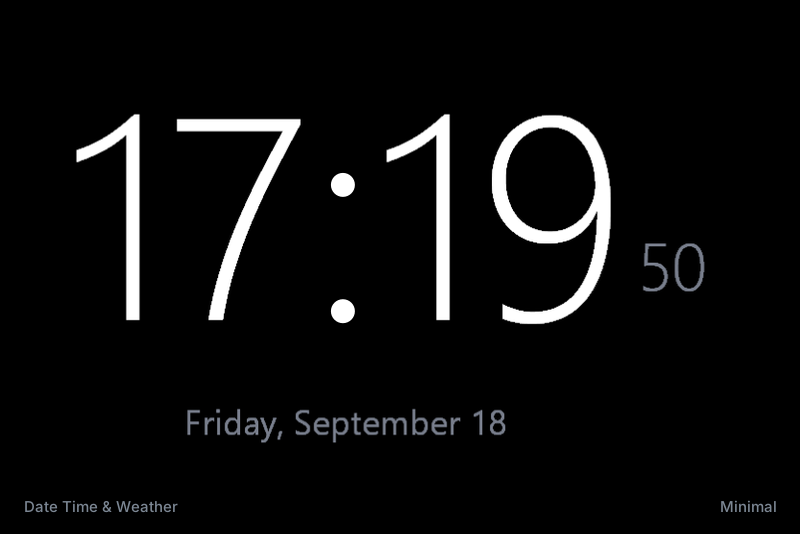
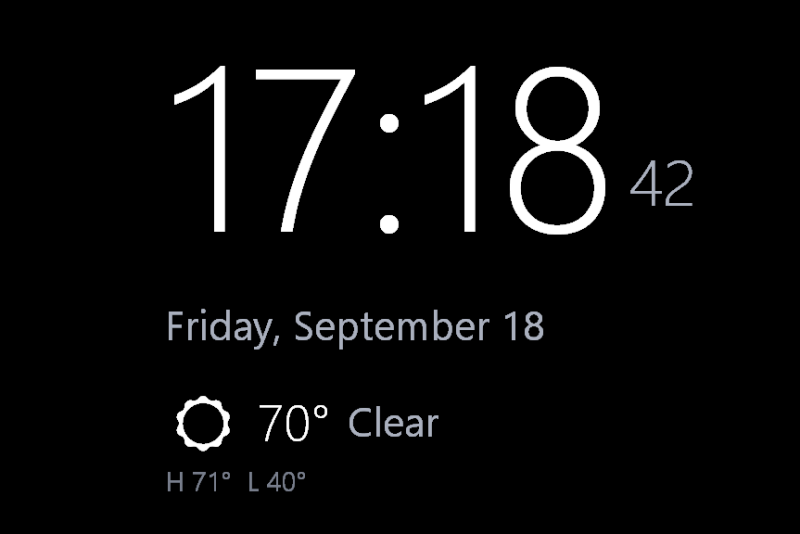
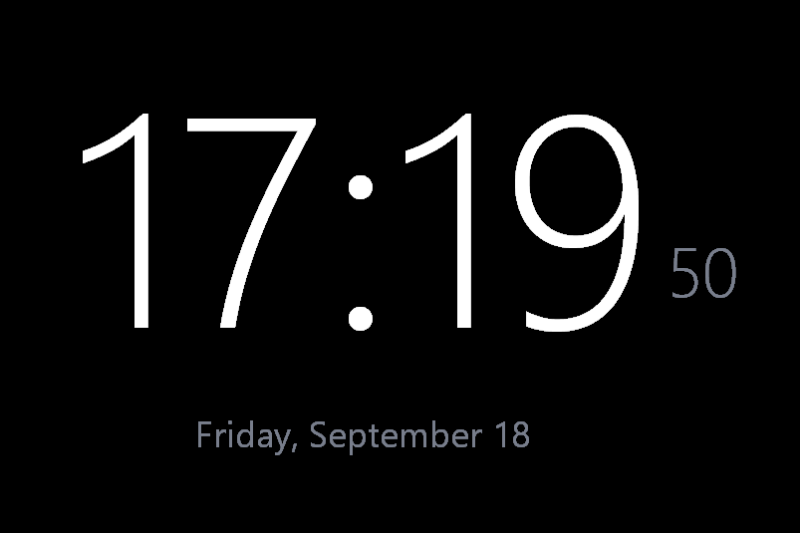
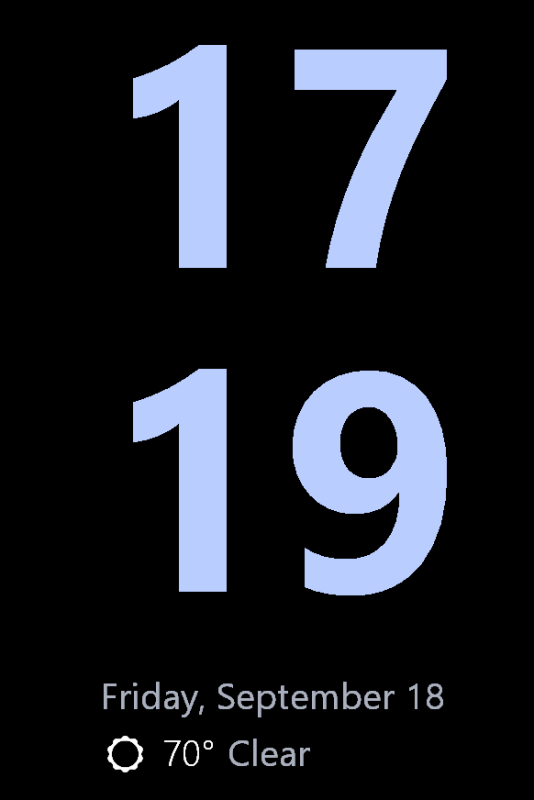
- The screensaver starts and immediately closes
- Something is nudging the mouse - a wireless mouse on an uneven surface, or a controller sending input. RetroScreen ignores tiny jitters, but a real movement of a few pixels exits, as it should.
- Black screen, nothing drawn
- Update your graphics driver. RetroScreen needs DirectX 12, which every driver released in the last several years provides.
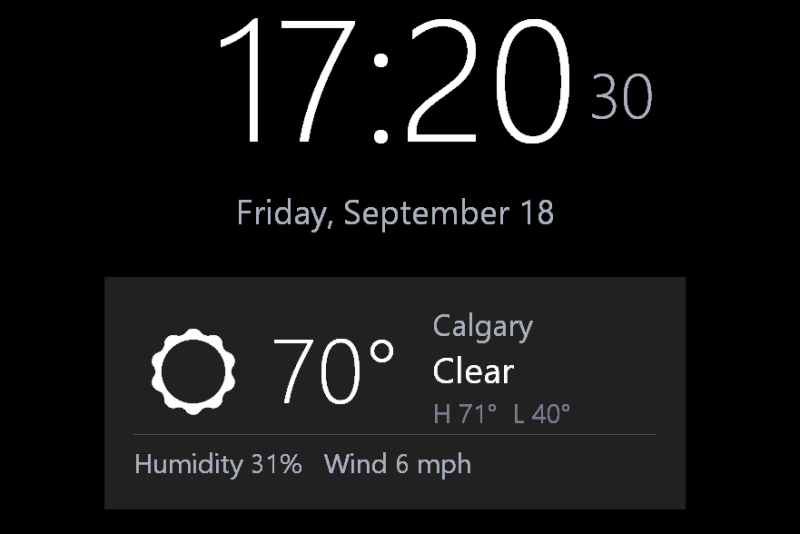
- "Fetching weather…" never goes away
- The PC cannot reach the internet, or a firewall is blocking outbound HTTPS. Check the connection and the spelling of the city. The clock keeps working regardless.
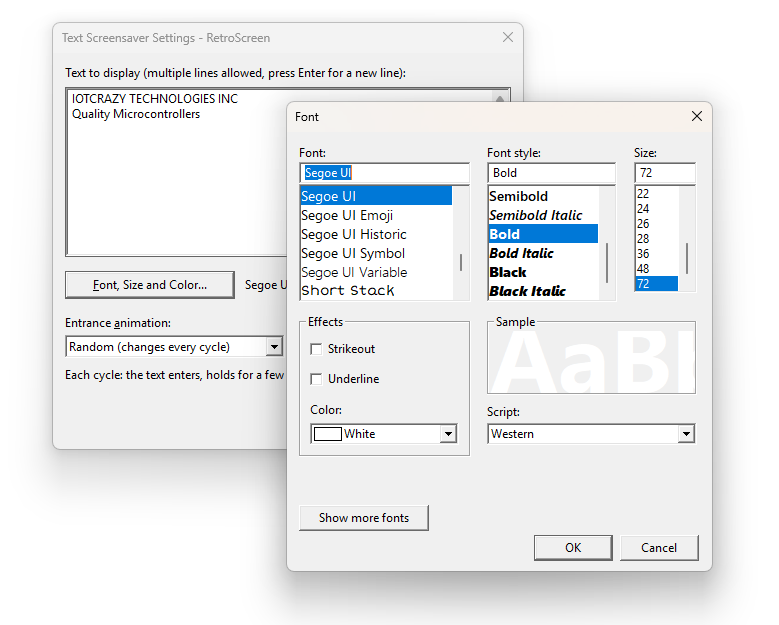
- Text Effects: the text looks too large or too small
- The size is in points for a 1080p screen and scales with your display. Lines too long to fit are shrunk automatically; shorten the text or change the size under Font, Size and Color…
- The screensaver is not in the drop-down list
- Only files in C:\Windows\System32 are listed. Either copy them there, or right-click the file and choose Install, which selects it directly.